MOB Tag
Users should wear the MOB tag in a location that would likely be submerged during a man overboard event, such as on the wrist, belt, or lower part of a life jacket. The system may not activate as expected if the MOB tag is worn in a different location that may not become submerged, such as on the shoulder.
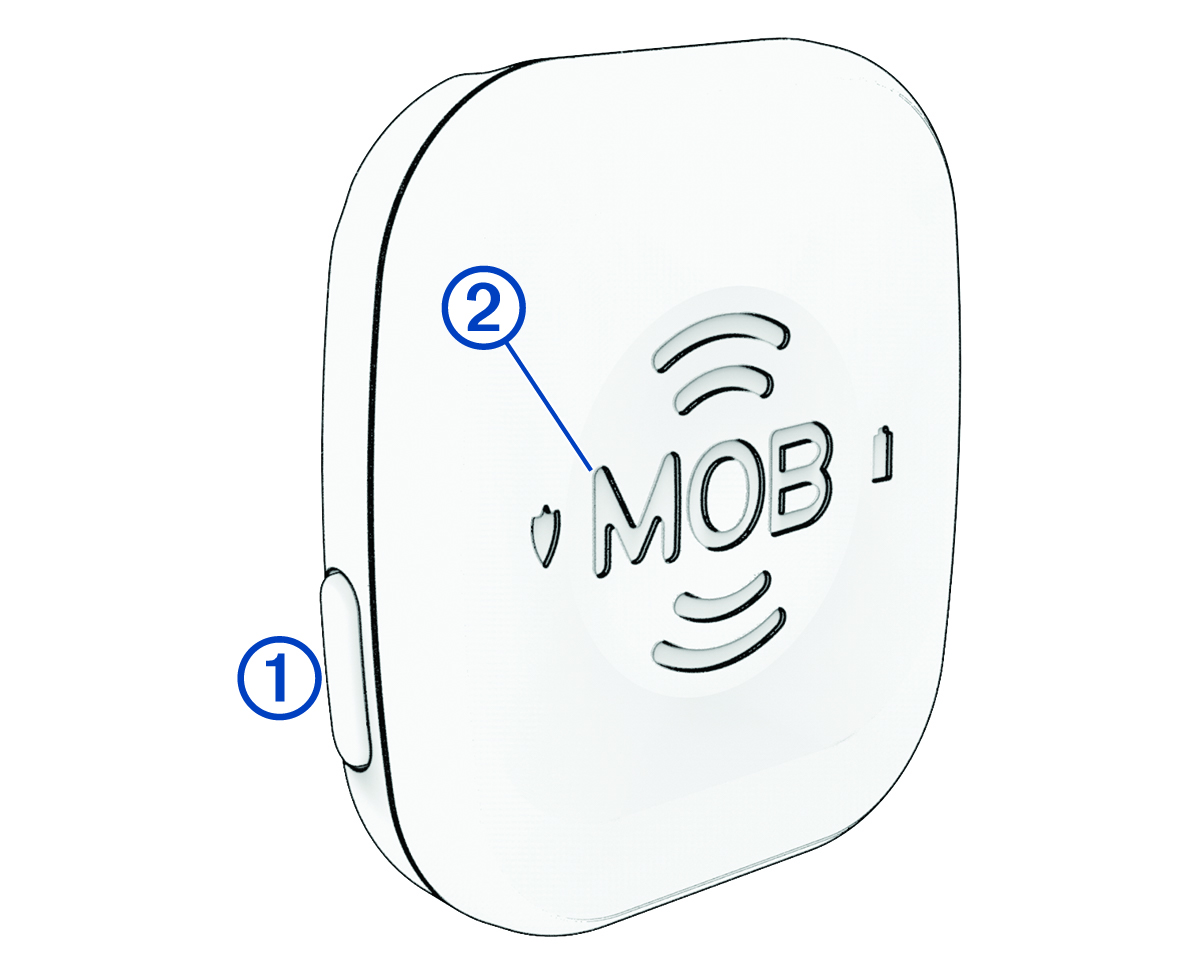
One MOB tag must be worn by the captain when piloting the vessel. Additional tags may be purchased and assigned as additional Captain tags or as Passenger tags. These roles determine the behavior of the system when a tag is out of range.
|
|
Power and interface button:
|
|---|---|
|
|
MOB button: Press to initiate a Man Overboard (MOB) function (Initiating an MOB Procedure from an MOB Tag Manually). On a tag with the Captain role, you can hold this for two seconds or longer to initiate a MOB function that also kills the engine or engines. |
 |
Status indicator. When you press the power button, the LED color indicates the status of the tag (Checking the Status of an MOB Tag). |
 |
Battery-level indicator. When you press the power button, the LED color indicates the battery status of the tag (Checking the Status of an MOB Tag). |