Tips and Shortcuts (Black Box models)
-
Press
 to turn on the
GPSMAP® 9500 device.
to turn on the
GPSMAP® 9500 device.
You can also turn on and off the device using a Garmin® chartplotter on the network or a GRID™ remote control.
You can put the device to sleep using a GRID 20 remote control, although you cannot use a GRID 20 remote control to turn it on.
-
From any screen, press
repeatedly to scroll through the brightness levels when connected to a
GRID remote control, or a
GRID 20 remote control. This can be helpful when the brightness is so low you cannot see the screen.
-
Select
 from any screen to open to the home screen.
-
Select
 to close the menu when finished.
-
Press
to open additional options, depending on your installation.
-
On some menu buttons, select the button to enable the option.
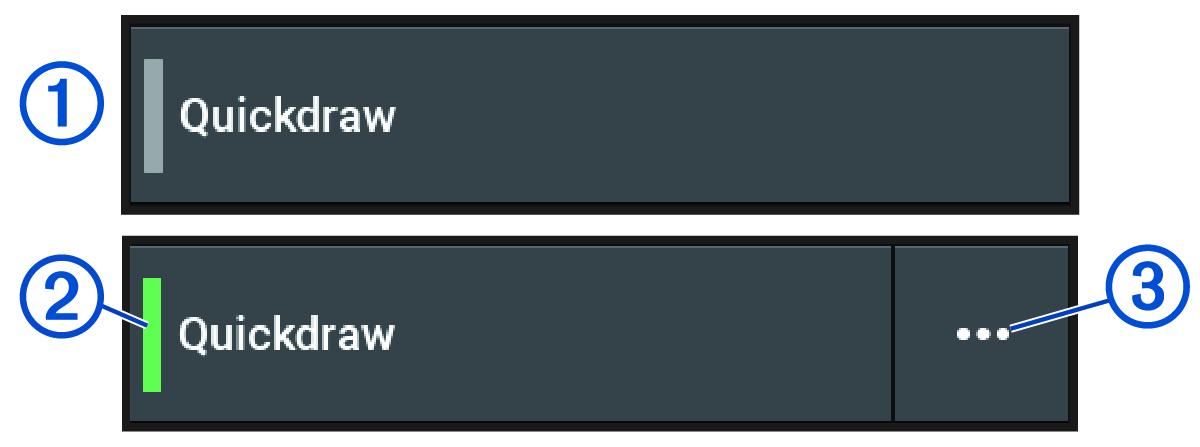
A green light on an option indicates the option is enabled .
-
When available, select
 to open the menu.