Replacing the MOB Tag Battery
See the Important Safety and Product Information guide in the product box for product warnings and other important information.
-
Using a #1 Phillips screwdriver, loosen the four captive screws to remove the back cover.
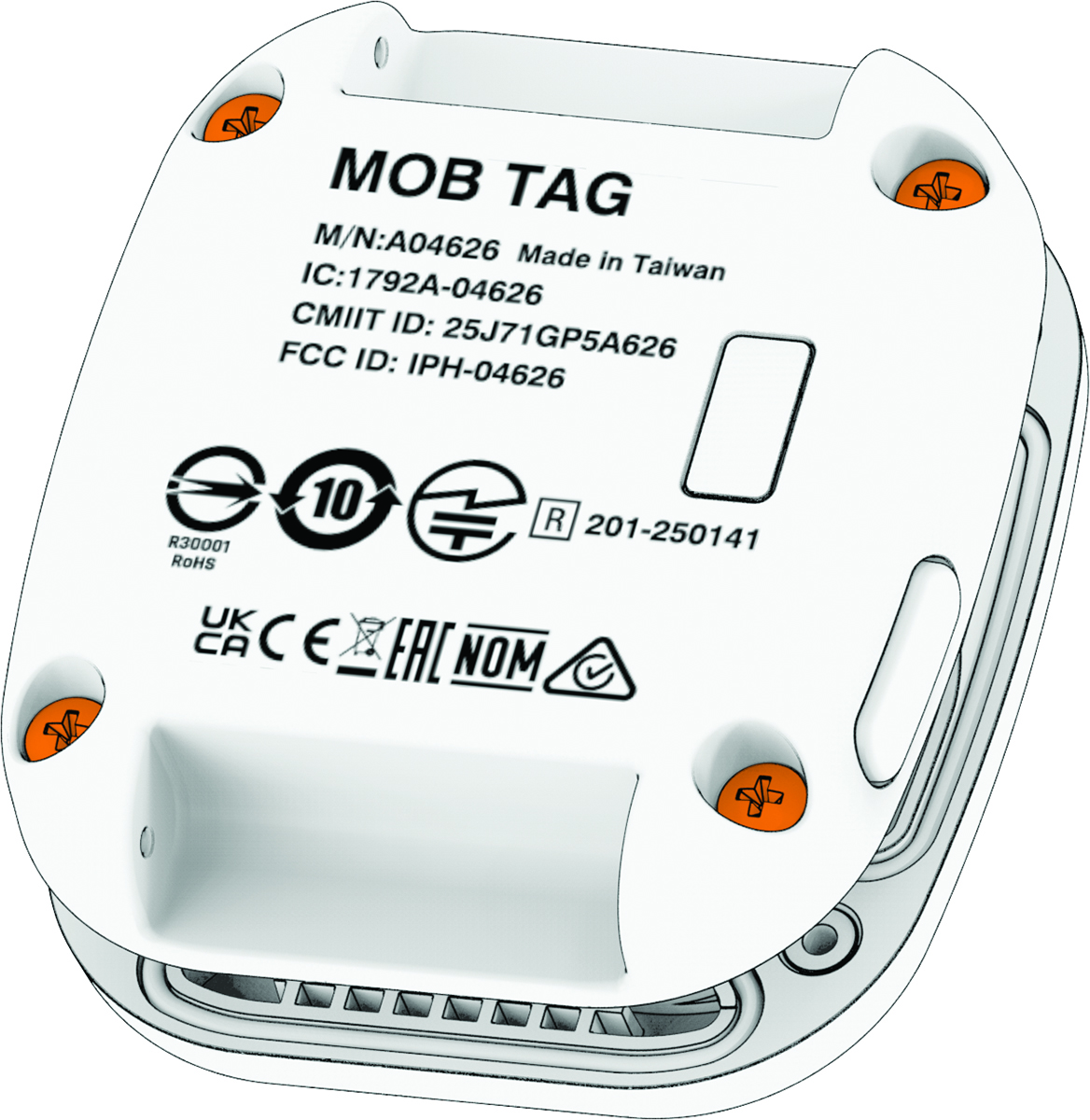
-
Make sure the rubber gasket in the front cover of the MOB tag is not broken and is fully seated in its groove.
The gasket fits in the groove in a specific orientation.
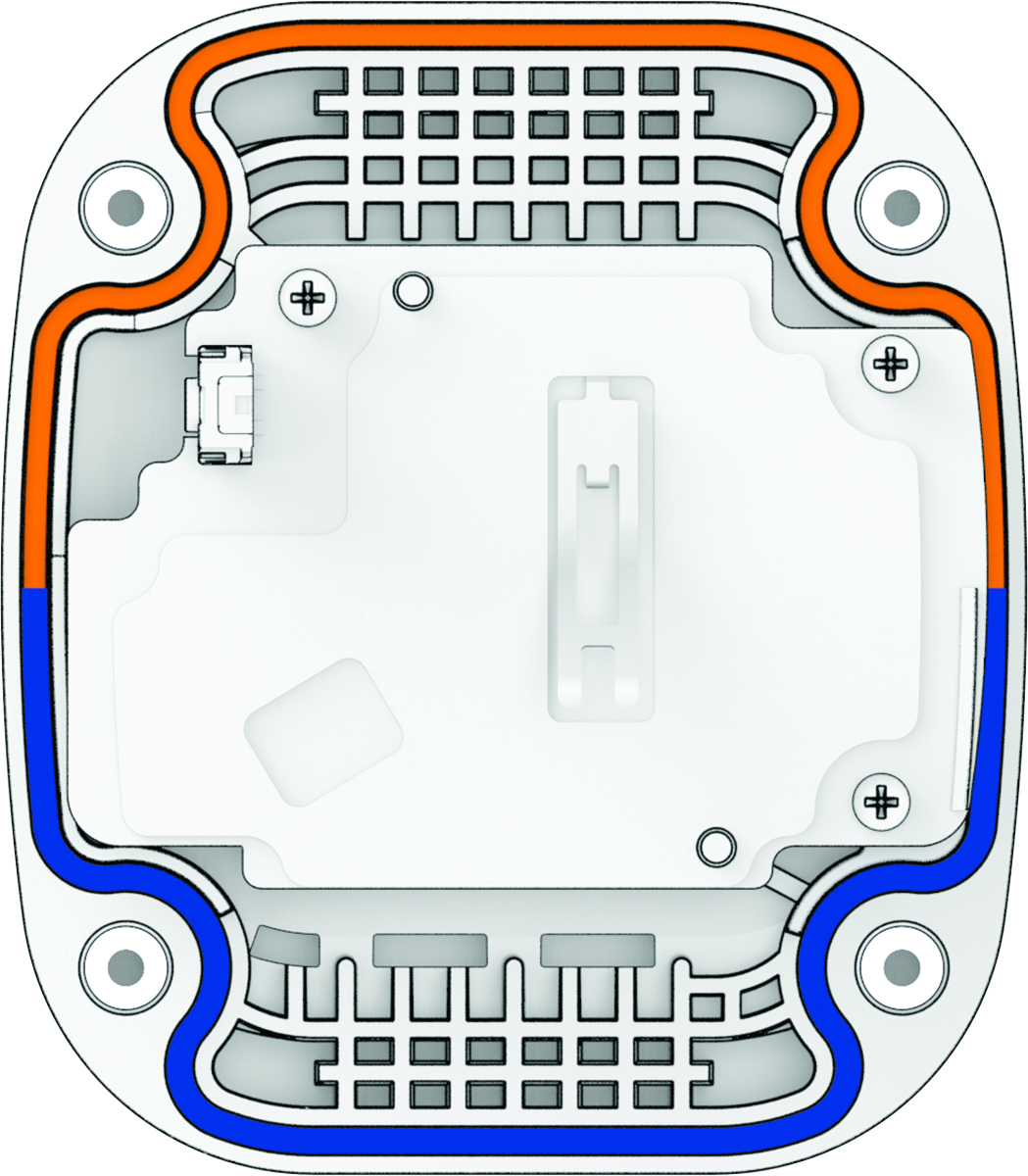
If the gasket is not properly and fully seated in the groove, it does not create a seal, which leads to the failure of the MOB tag when it is exposed to water. See the Field Service Manual at garmin.com/manuals/force_current_trolling_motor for information on purchasing a replacement gasket.
After you replace the battery, you may need to pair the MOB tag again.