Deleting Databases
Avoid using the Delete All databases function unless it is recommended by Garmin Aviation Support. Deleting all the databases will greatly increase the download time of the next system update.
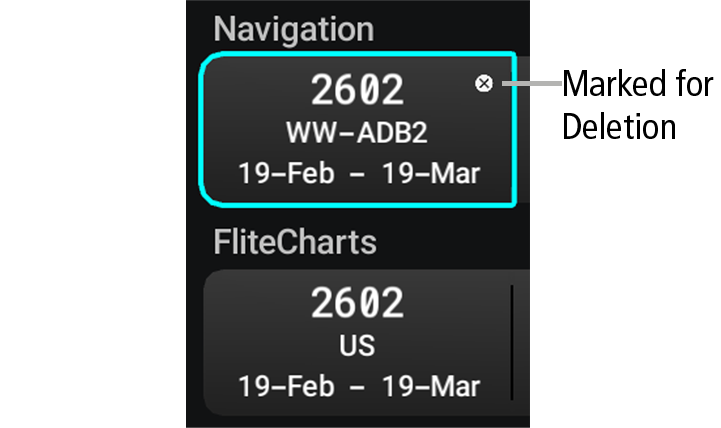
If databases are not properly loading or functioning, it may be necessary to delete the databases from the system. Databases can also be deleted from an inserted USB Stick. All databases may be deleted at once, or individual databases may be selected for deletion. Databases marked for deletion will display a white ‘X’ until avionics power is cycled.