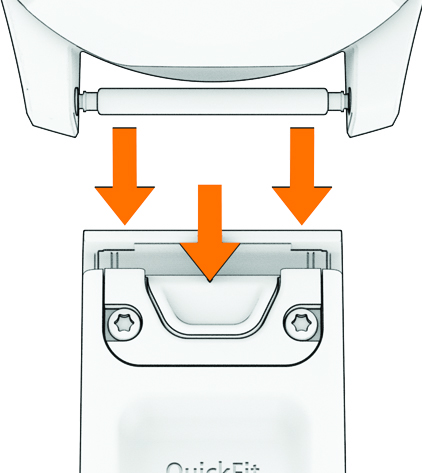
Changing the QuickFit Bands
Metal watch bands and/or watch bands that have metal parts in contact with or in close proximity to the watch housing should not be used with the fēnix® 9 Pro watch due to possible signal interference with GNSS, Bluetooth®, Wi‑Fi®, and LTE and satellite connected features (active inReach® service plan required). Avoid the use of third-party watch bands and only use the supported non-metallic Garmin® watch bands available on www.garmin.com/Support/FAQ/SupportedBands.
-
Slide the latch on the QuickFit® band, and remove the band from the watch.