Straight Line Routes
For areas without defined roads or trails, the device guides you to your destination using a straight line route. You can set multiple waypoints to navigate a route through areas without roads.
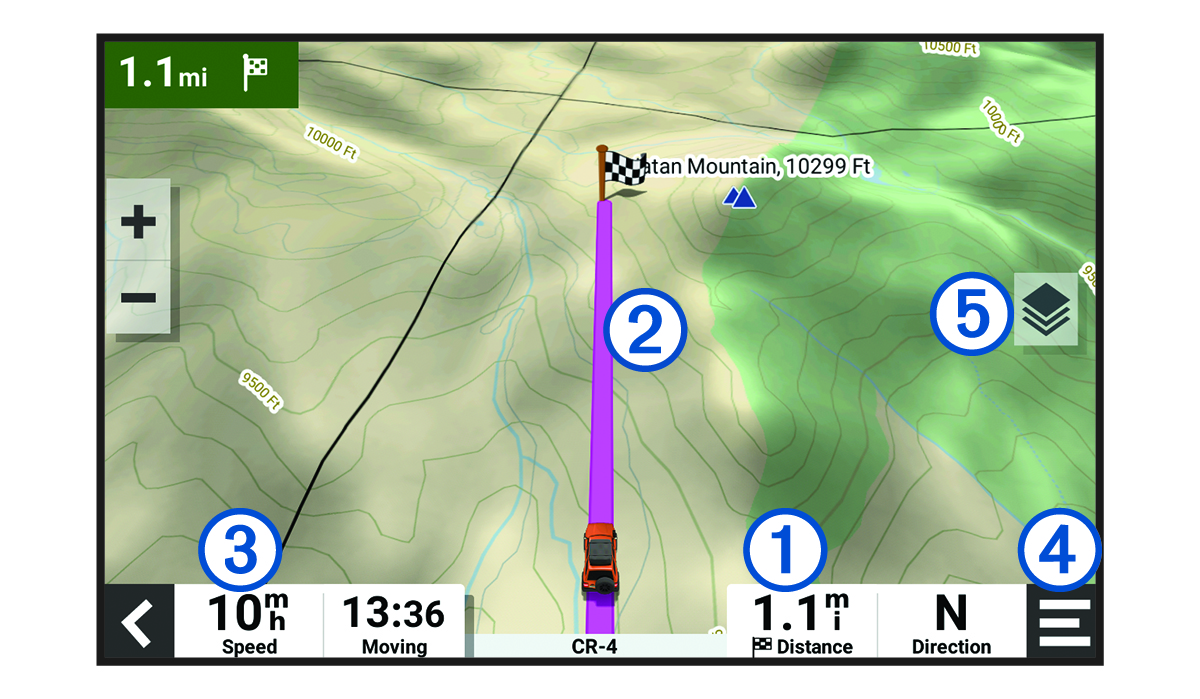
|
|
Distance to the destination. |
|---|---|
|
|
Route highlighted on the map. |
|
|
Vehicle speed. |
|
|
Map tools. Provides tools to show you more information about your route and surroundings. |
|
|
Map layers. Allows you to change the map orientation and add topographic and BirdsEye imagery to your map view. |


