Pairing the HRM 600 with the Garmin Connect App
-
On the
HRM 600 module, press the button to wake it up.
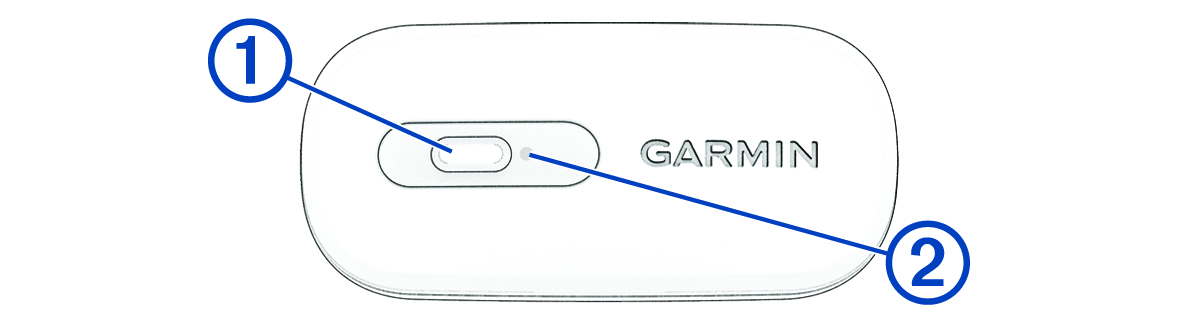
The LED flashes
 when it is active and transmitting.
-
Hold the button for 4 seconds to enter pairing mode.
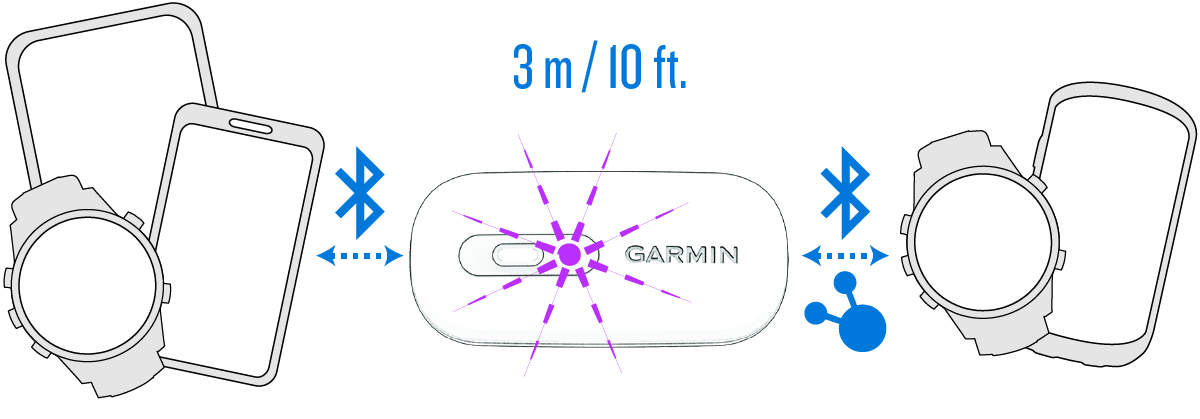
The LED flashes
 continuously.
The HRM 600 is in pairing mode for 5 minutes.
To end pairing mode, you can press the button.
-
Select an option to add your
HRM 600 to your
Garmin Connect account:
-
If this is the first time you are pairing a device with the Garmin Connect app, follow the on-screen instructions.
-
If you have already paired another device with the Garmin Connect app, select
 > Garmin Devices > Add Device, and follow the on-screen instructions.
-