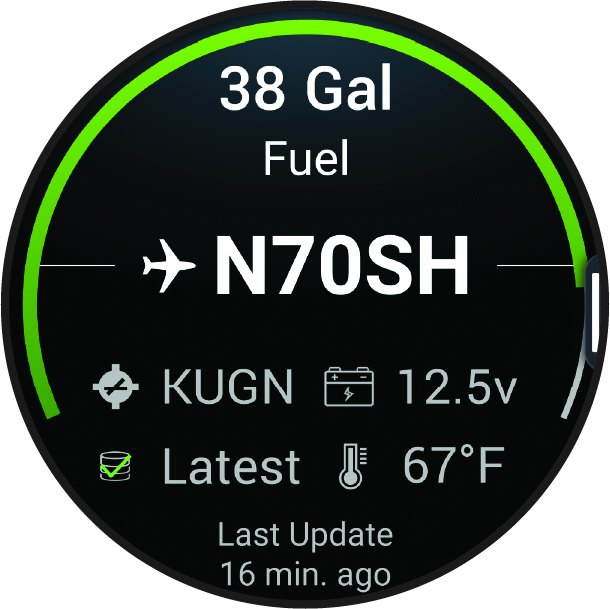
Viewing PLANESYNC Data
This watch is not intended to provide primary flight information and is to be used for supplemental purposes only.
When you connect your watch, a compatible GDL® 60 datalink, and an aircraft with an active PLANESYNC™ subscription to your flyGarmin.com account, you can remotely view the aircraft status on your watch. Go to garmin.com for more information about compatible devices.
-
Select an option:
-
From the watch face, swipe up.
-
From the watch face, press
 .
.
NOTE: You can customize the app list (Customizing the App List) and glance list (Customizing the Glance List). -
-
Select PlaneSync.