Pairing the Camera System with a Phone or Tablet
You can pair your camera system with your phone or tablet and the Garmin Drive™ app. The Garmin Drive app allows you to change camera settings, and to view, edit, and save videos. You can also upload, manage, and share footage on a secure, online storage service using the Vault. You can pair the camera system with only one phone or tablet at a time.
NOTE:
Vault features require a paid subscription. Go to
garmin.com/vault for more information.
-
On the transmitter box, hold the pairing button for 3 seconds.
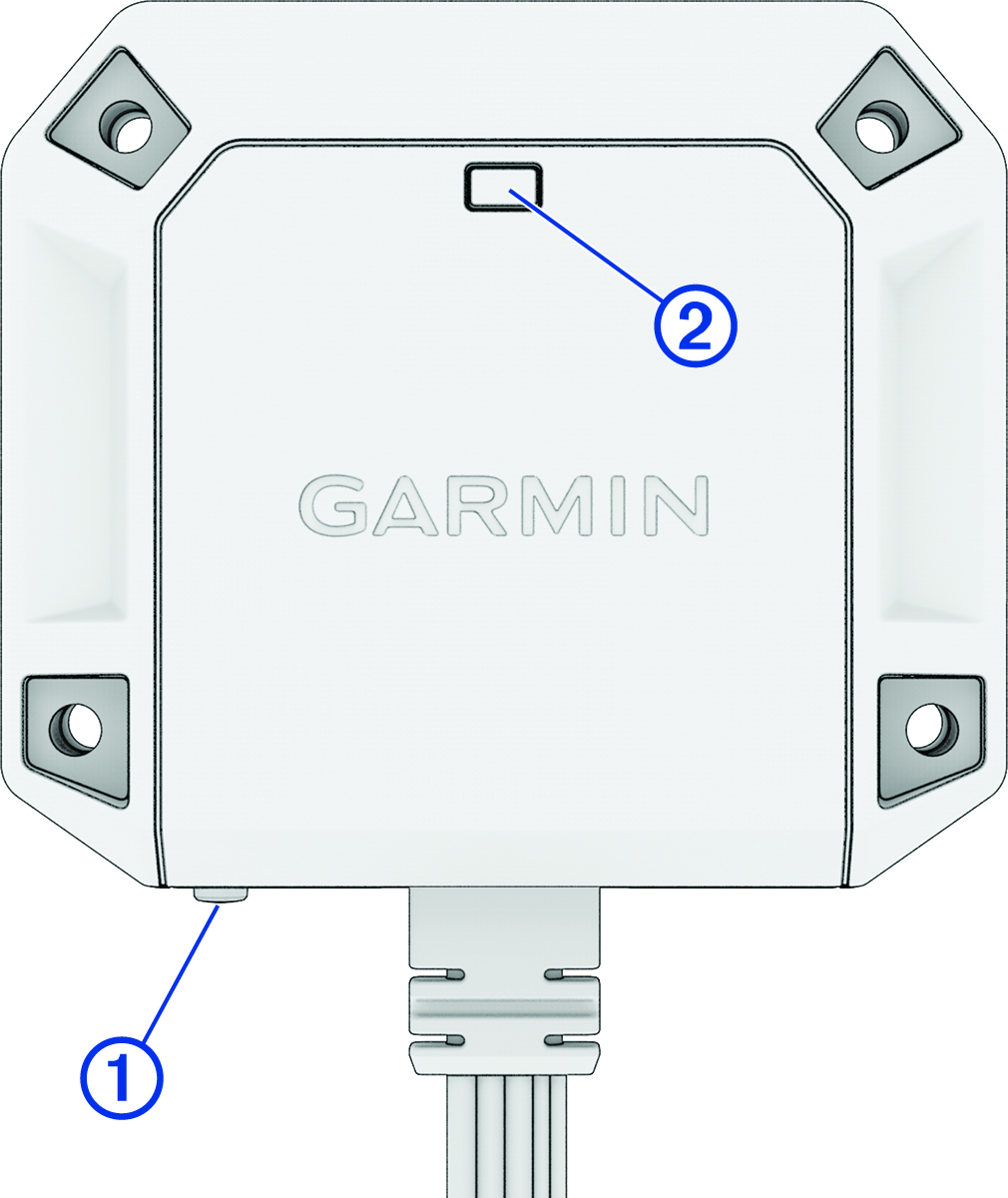
The status LED flashes blue.