Editing and Exporting a Video

You can trim the length of your video to remove unnecessary footage before exporting it.

NOTE: Videos stored in the Vault cannot be trimmed.
  1. While viewing a video, drag the trimming handles 1 on the video progress bar left or right to trim the video length.
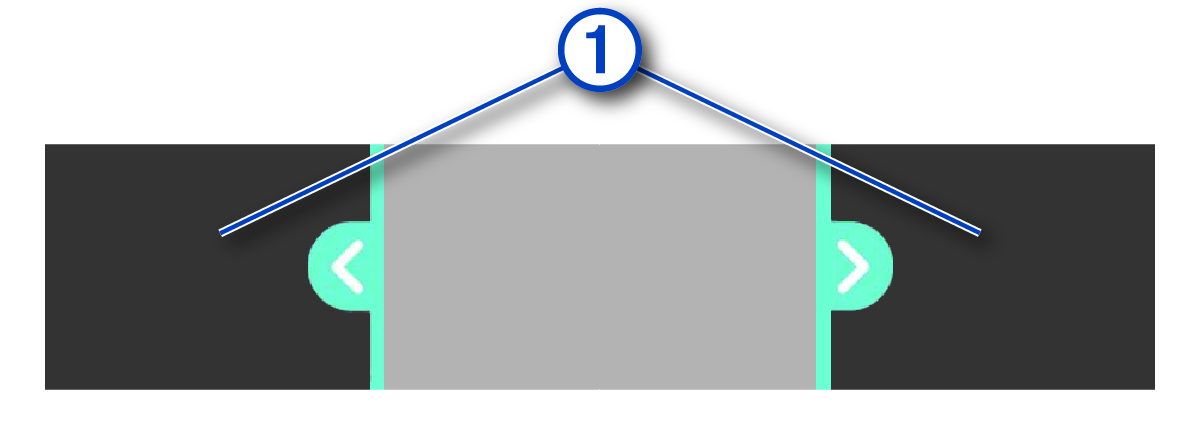
    Screenshot of the video trimming bar with a callout
  2. Select Export.
    NOTE: You must keep the app in the foreground while exporting a video.

    The app exports the trimmed video.

  3. After the video export is complete, select an option:
    • To save the video to your phone, select Save to Phone.

    • To remove the video from the camera memory card, select Remove From Camera.

    • To return to the gallery, select Done.

GUID-41AB4C2D-E75E-460B-A06B-930BF002AAB8 v1
January 2026