Status LED
The status LED indicates the device status.
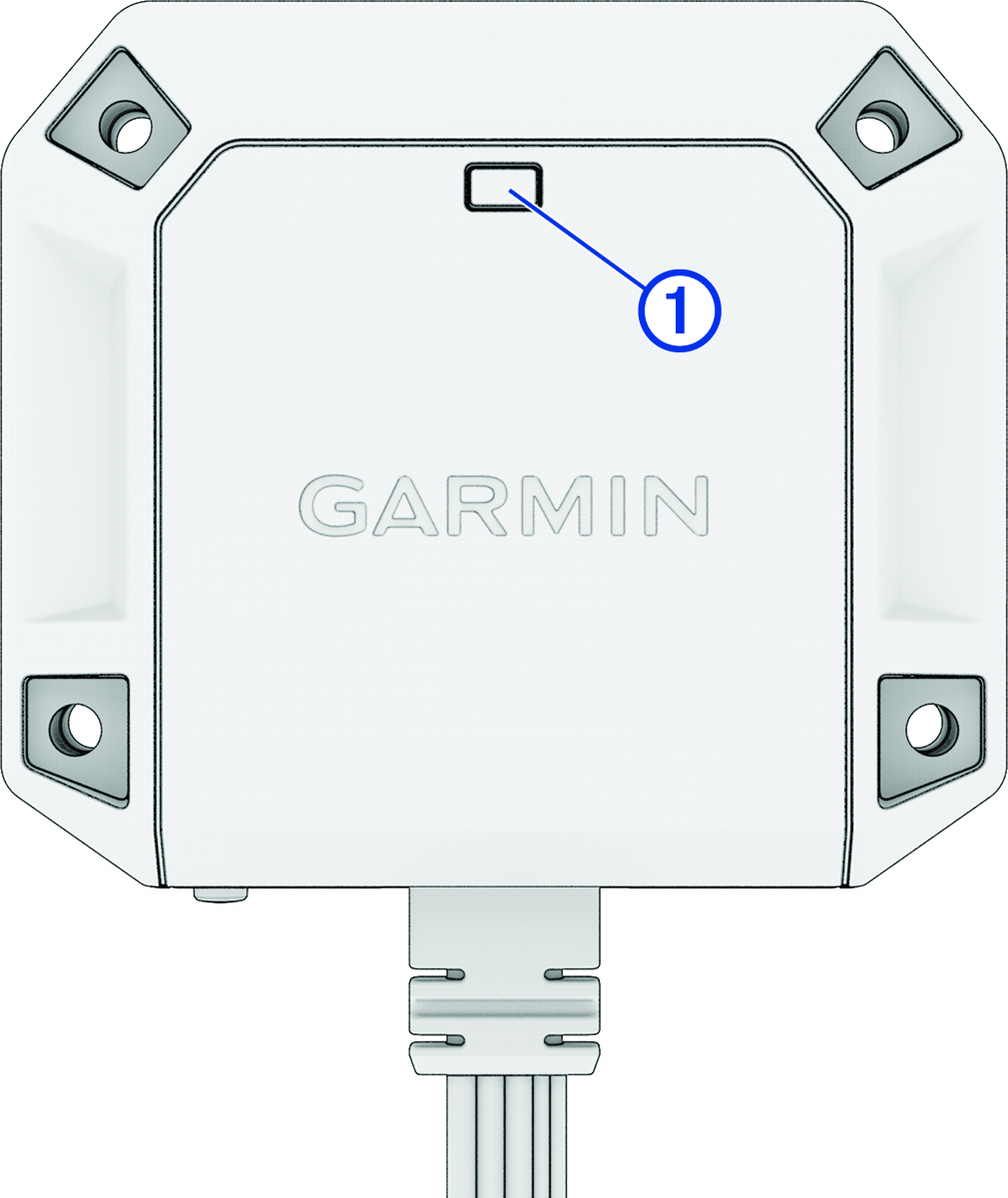
|
Status LED Activity |
Status |
|---|---|
|
Solid red |
Video is recording. |
|
Flashing red |
A video is being saved. The camera is applying a software update. |
|
Flashing red, slowly |
The camera is in Parking Guard mode. |
|
Flashing blue |
The system is in Bluetooth® pairing mode. |
|
Flashing yellow |
A memory card is not installed. |
|
Solid green |
The device is powering on. The memory card is being formatted. |
|
Flashing green |
The camera software is booting. One or both cameras are physically disconnected. |
|
Off |
The device is powered off. Videos are being viewed, exported, or deleted, and the camera is not recording video. |