Measuring Distance with Touch Targeting
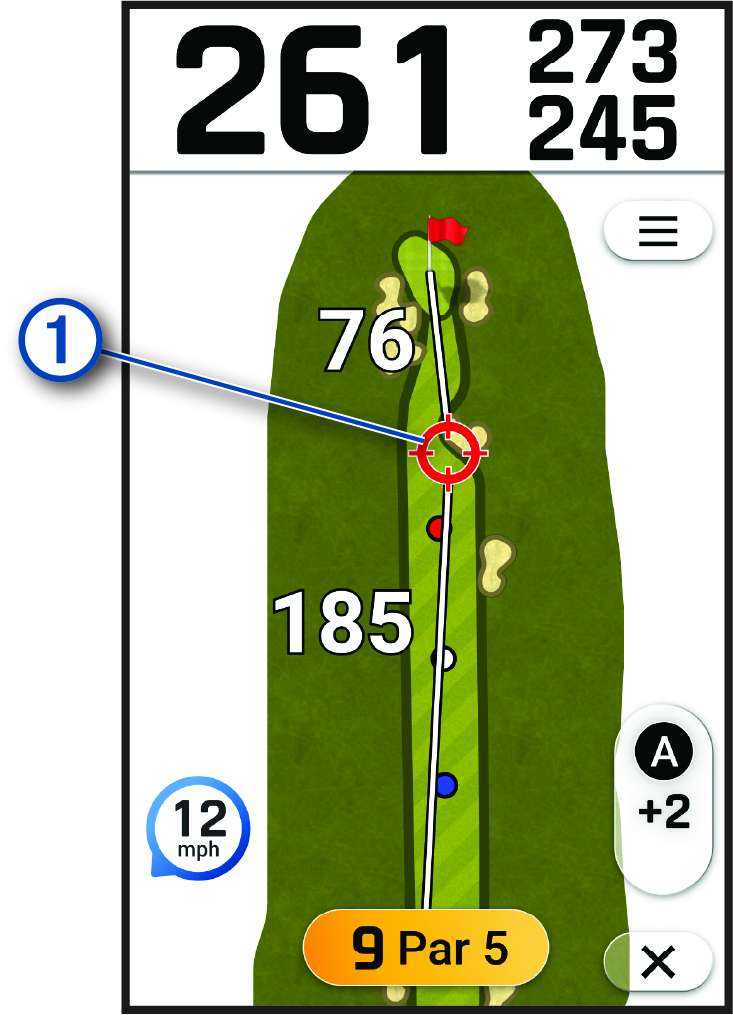
While playing a round, you can use touch targeting to measure the distance to any point on the map.
-
Tap anywhere on the map.
The target circle
 appears on the map.
 -
Tap the screen, or drag the
target circle to
position the target.
You can view the distance from your current position to the target circle, and from the target circle to the pin location.
-
Select
 to return to the map of the hole.