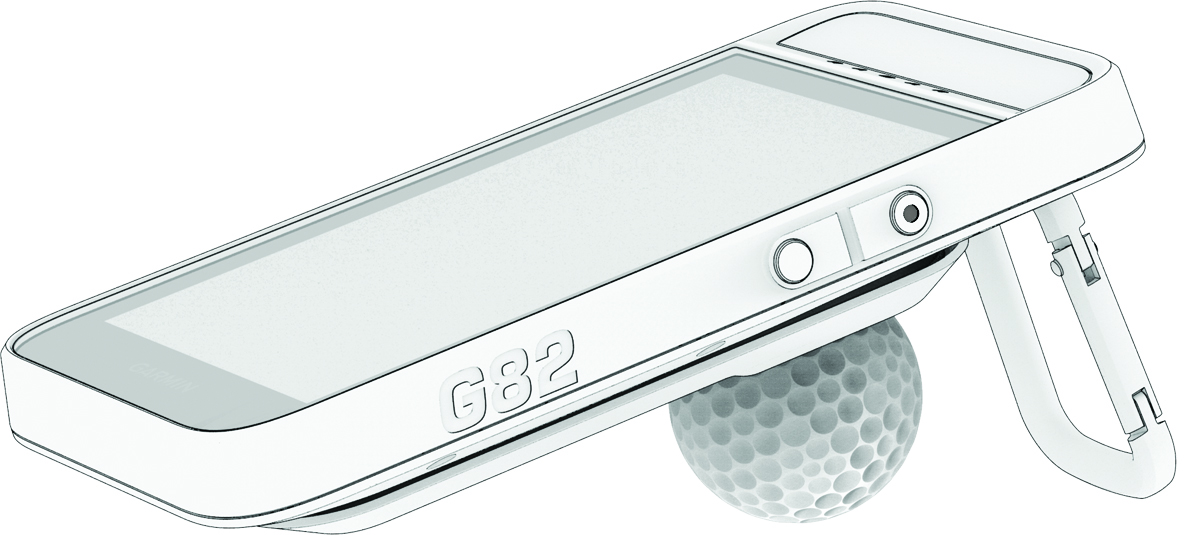
Using the Magnetic Clip
Both the device and its clip contain magnets. Under certain circumstances, magnets may cause interference with some medical devices, including pacemakers and insulin pumps. Devices and accessories that contain magnets should be kept away from such medical devices.
Both the device and its clip contain magnets. Under certain circumstances, magnets may cause damage to some electronic devices, including hard drives in laptop computers. Use caution when devices and accessories that contain magnets are near electronic devices.
You can use the lanyard carabiner on the magnetic clip to attach the device to your belt, pocket, or bag. You can also use the magnetic clip as a stand for radar training.
NOTE:
Go to www.garmin.com/golf to purchase accessories for your
device.
-
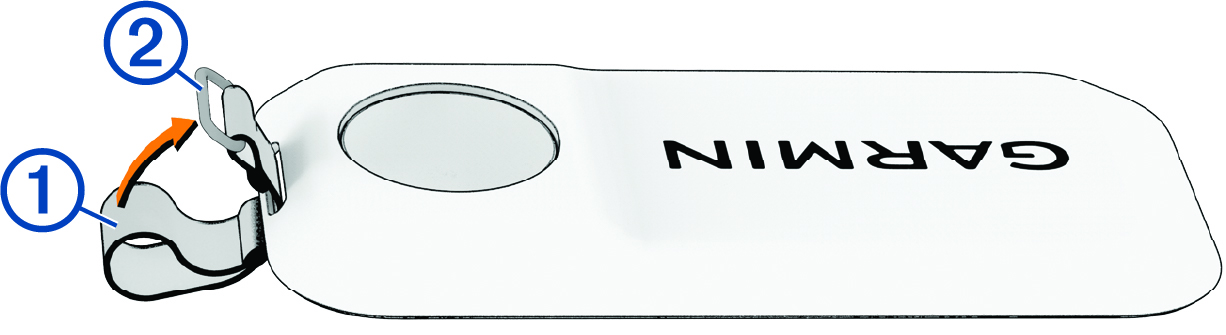
Thread the fabric end of the lanyard
through the slots on the back of the magnetic clip.
-
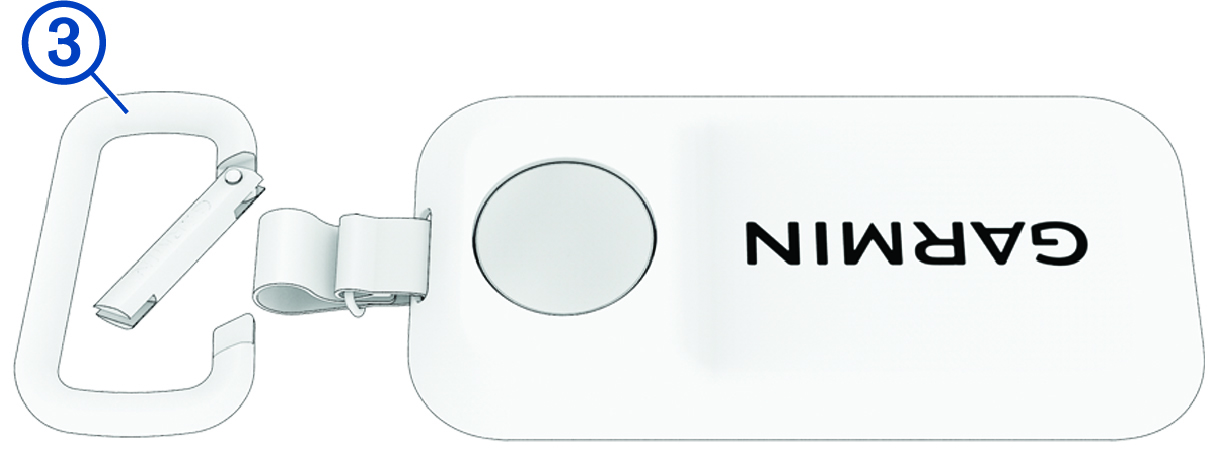
Insert the carabiner through the fabric loop on the end of the lanyard.
-
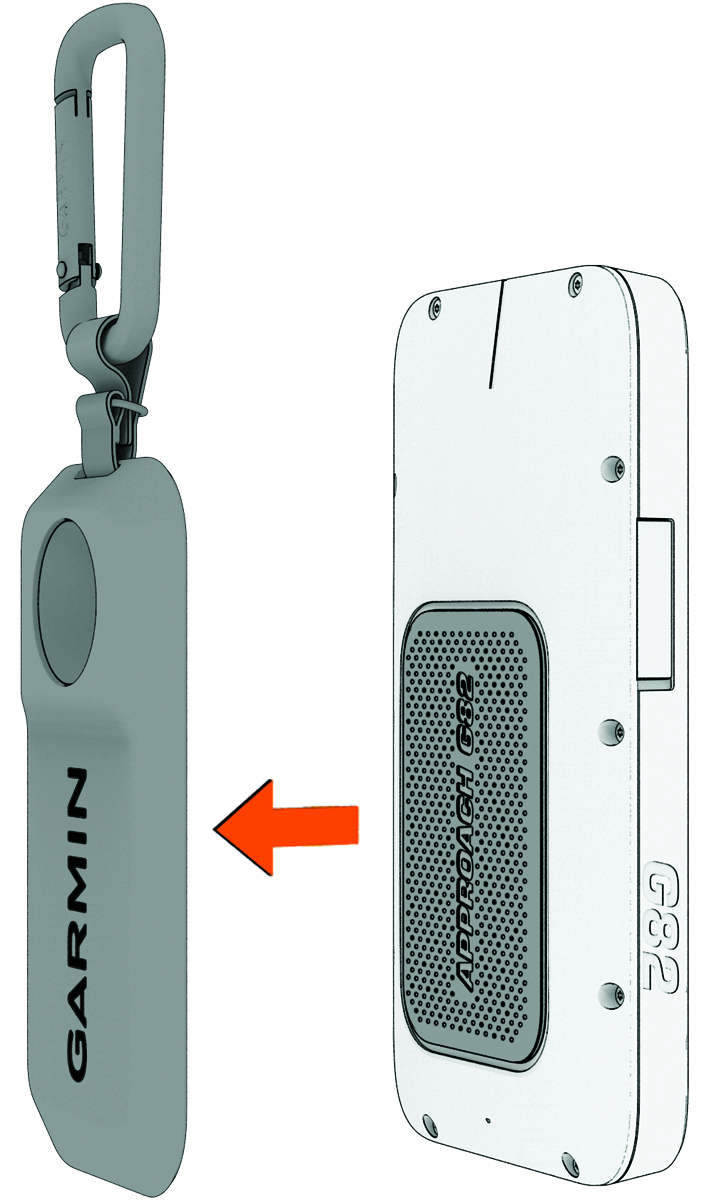
Snap the magnetic back of the
device into the clip until it locks into place.
-
During radar training, rest the device with the magnetic clip attached on a
golf ball, using the divot at the rear of the clip as a stand.