Navigating to Your Starting Point During an Activity
You can navigate back to the starting point of your current activity in a straight line or along the path you traveled. This feature is available only for activities that use GPS.
-
Select
Back to Start, and select an option:
-
To navigate back to the starting point of your activity along the path you traveled, select TracBack.
-
To navigate back to the starting point of your activity in a straight line, select Straight Line.
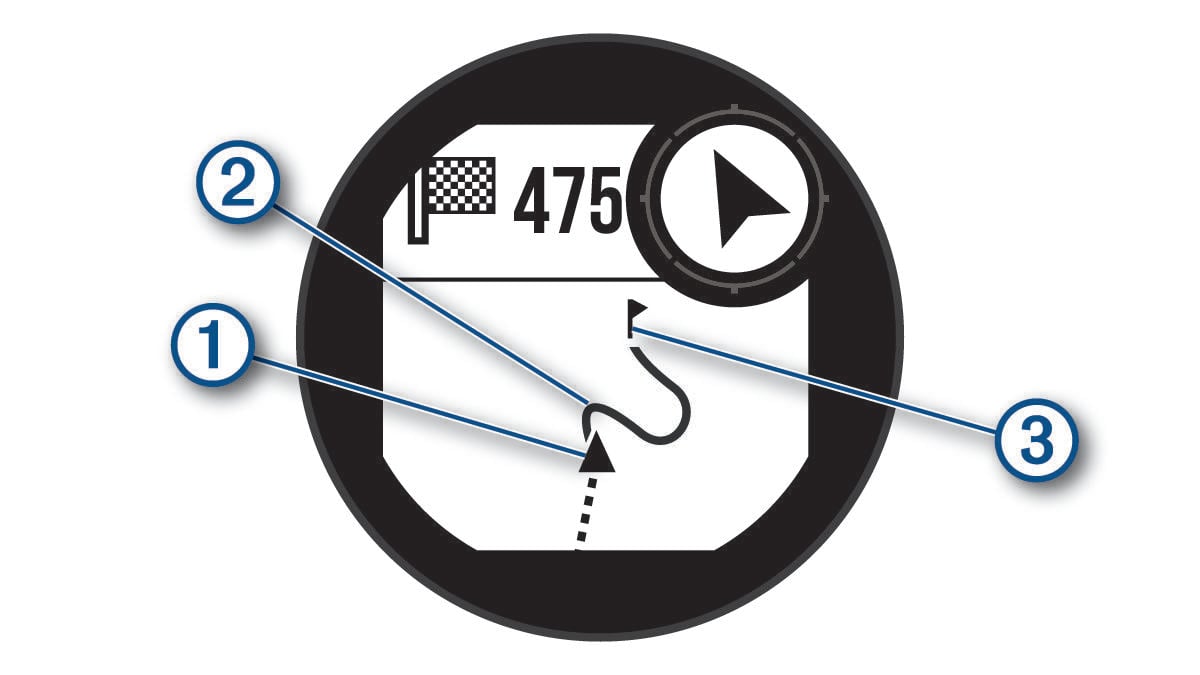
Your current location , the track to follow , and your destination appear on the map.
-