|

|
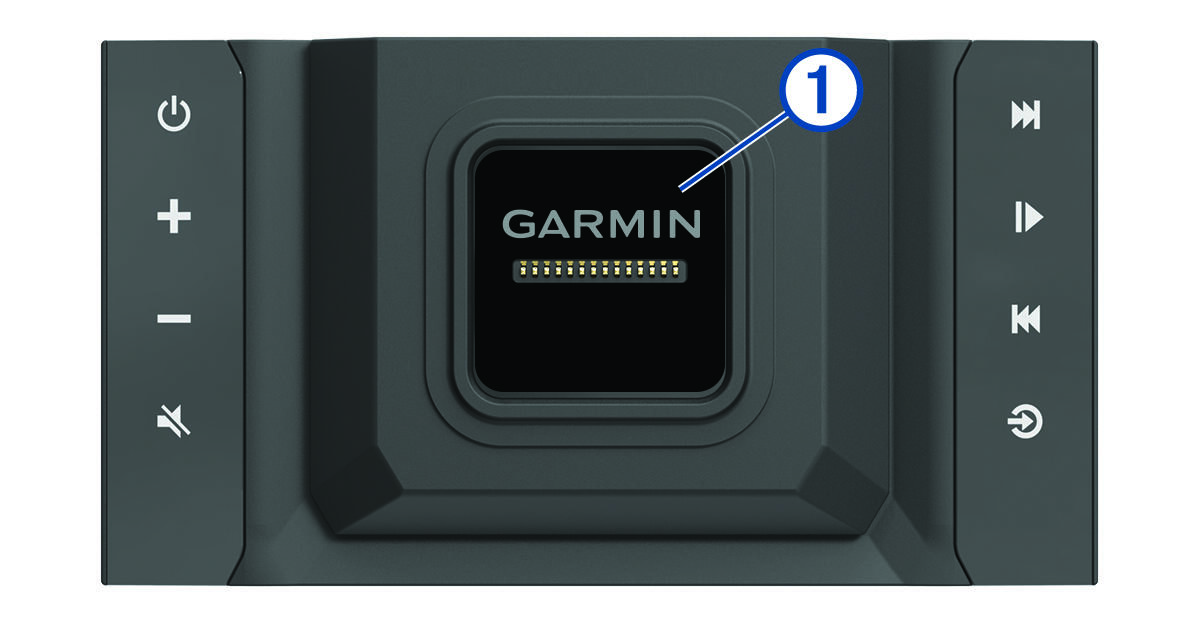
Magnetic dock for the
Vieo™ RV 750 display. Charges the display and sets the display user interface to docked mode.
|
|

|
Power. Hold to turn the system on or off.
|
|

|
Volume up
|
|

|
Volume down
|
|

|
Mute
|
|


|
-
Select to skip to the previous or next track, when using an applicable source.
-
Hold to rewind or fast forward the current track, when using an applicable source.
-
-
Aux1 or
Aux2 source: Select to decrease or increase the gain for the connected source.
-
SiriusXM source: Select to change to the previous or next channel.
-
DAB source: Select to change to the previous or next DAB station in the ensemble.
|
|

|
-
Select to pause or resume.
-
AM or
FM source:
-
Select to move through the tuning modes: auto, manual, and presets (when two or more presets are saved).
-
Hold to save this station as a preset.
-
SiriusXM source: Select to move through the tuning modes (auto and presets), when you have at least one preset channel.
-
DAB source: Select to scan for DAB stations.
|
|

|
Select to change the audio source.
|