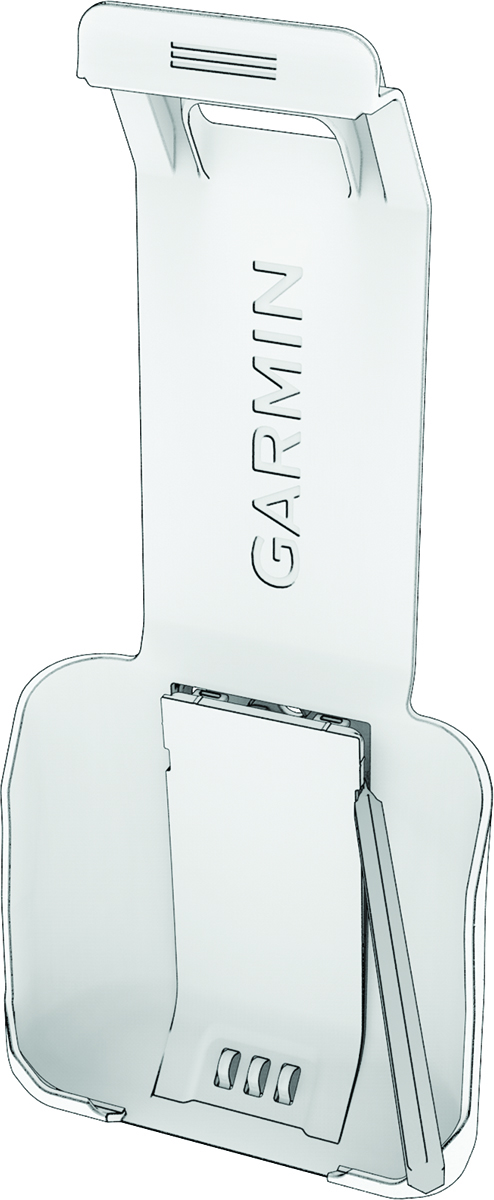
Preparing the Mounting Surface Using a plastic pry tool or a small flat screwdriver, remove the cover plate from the handset cradle to expose the mounting holes. Place the cradle in the mounting location, and mark the three pilot holes. If you are routing the power cable through the bulkhead, mark the location of the center hole. Set the cradle aside. Drill the three pilot holes for the mounting screws. If you are routing the power cable through the bulkhead, drill the center hole through the mounting surface using a 3 mm (1/8 in.) drill bit. HomePreparing the Mounting Surface
Preparing the Mounting Surface Using a plastic pry tool or a small flat screwdriver, remove the cover plate from the handset cradle to expose the mounting holes. Place the cradle in the mounting location, and mark the three pilot holes. If you are routing the power cable through the bulkhead, mark the location of the center hole. Set the cradle aside. Drill the three pilot holes for the mounting screws. If you are routing the power cable through the bulkhead, drill the center hole through the mounting surface using a 3 mm (1/8 in.) drill bit. HomePreparing the Mounting Surface