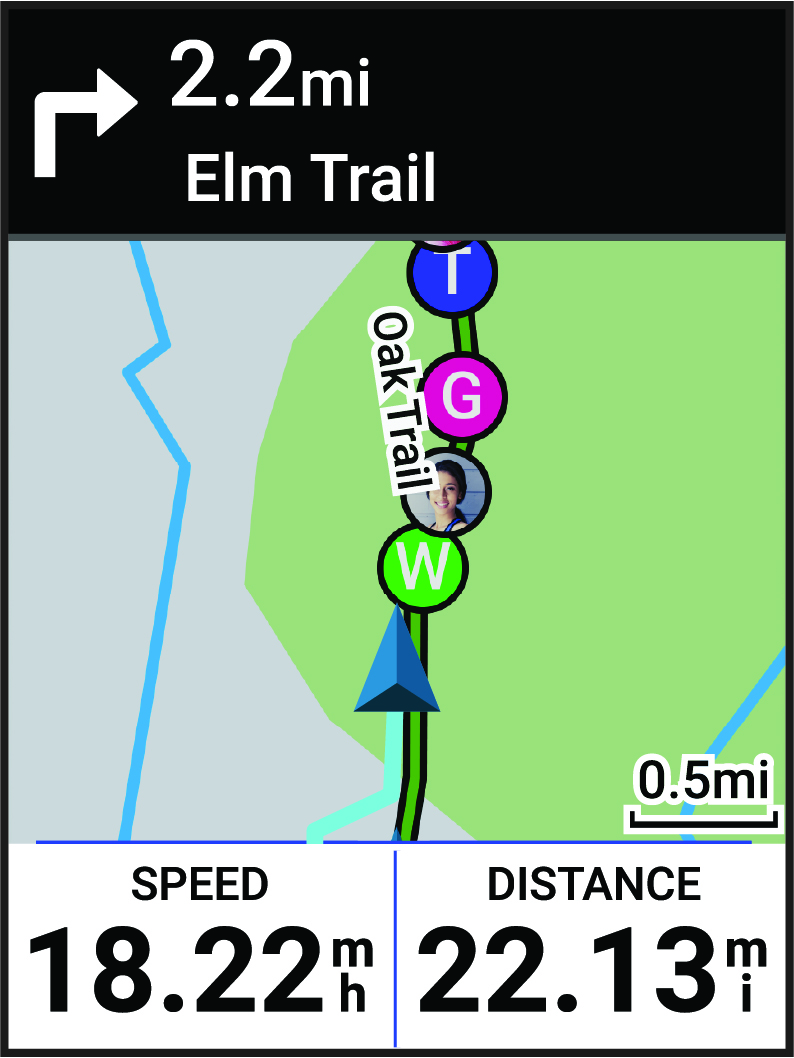
Starting a GroupRide Session
Before you can start a GroupRide session, you must have a phone with the Garmin Connect™ app paired to your device (Pairing Your Phone). When prompted, you must also agree to share your live location with other riders.
-
Select
Generate Code.
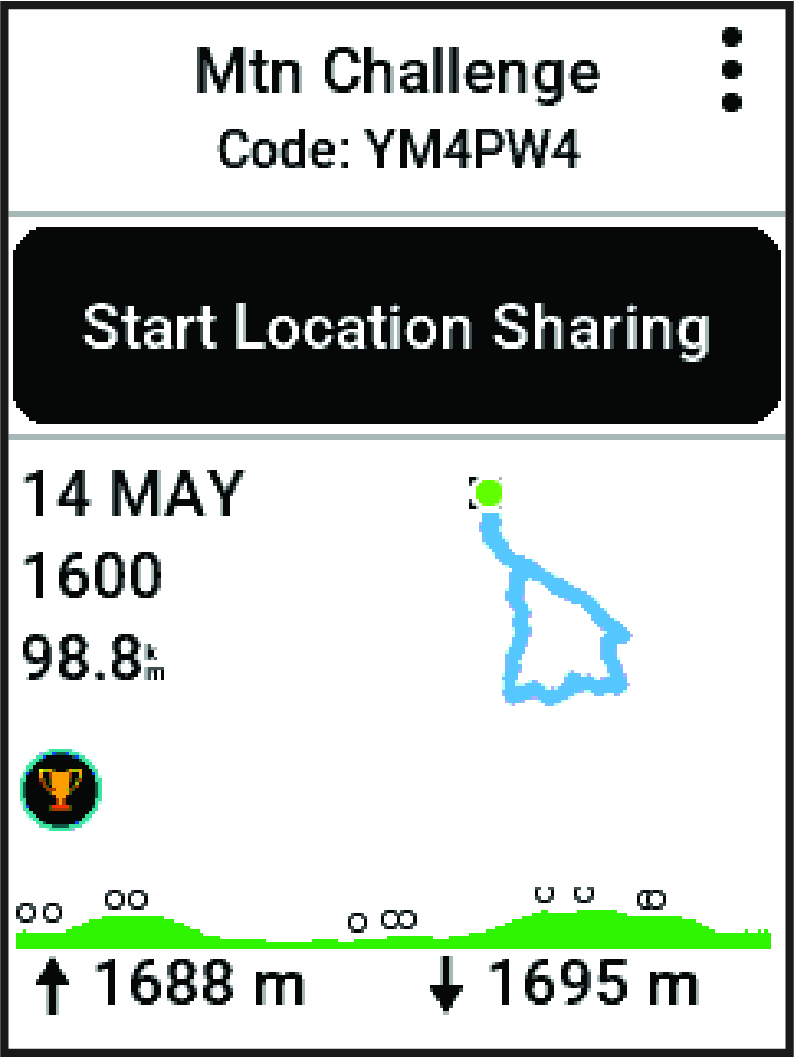
Your Edge® bike computer generates a code that you can send to other riders.
-
Select
 > Share Code >
  .
.
-
Press
 , and go for a ride.
The GroupRide data screen is added to the data screens for the active profile.
-
Select a rider from the
GroupRide data screen to view their position on the map, or scroll to the map to view all riders (GroupRide Map Status).