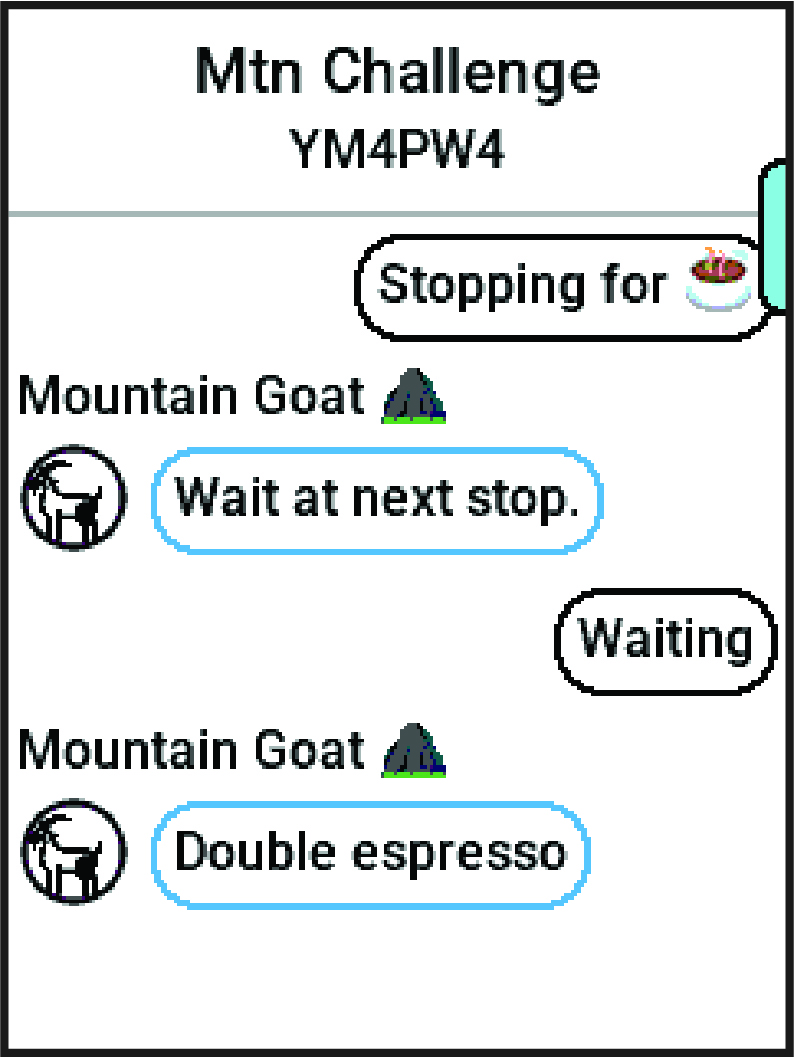
Sending a GroupRide Message

You can send a message to other riders during a GroupRide session.

  1. From the GroupRide data screen on your Edge® bike computer, press and hold Menu symbol.
  2. Select an option:
    • Select a message from the list of preset text responses.

    • Select Type Message to send a customized message.

    NOTE: You can customize the preset text responses in the device settings in the Garmin Connect™ app. After customizing settings, you must sync your data to apply the changes to your Edge bike computer.

GroupRide messages data
NOTE: You can scroll up to the top of the message screen to view older messages, including any messages sent before you joined the GroupRide session (Joining a GroupRide Session).
GUID-28E0106C-B05A-44E9-BF7C-9CB36A596B82 v2
November 2025