Viewing Customised Trip Information on the Map
You can use the trip data map tool to show customised trip information on the map.
- From the map, select
 > Trip Data.
 - Select an option:
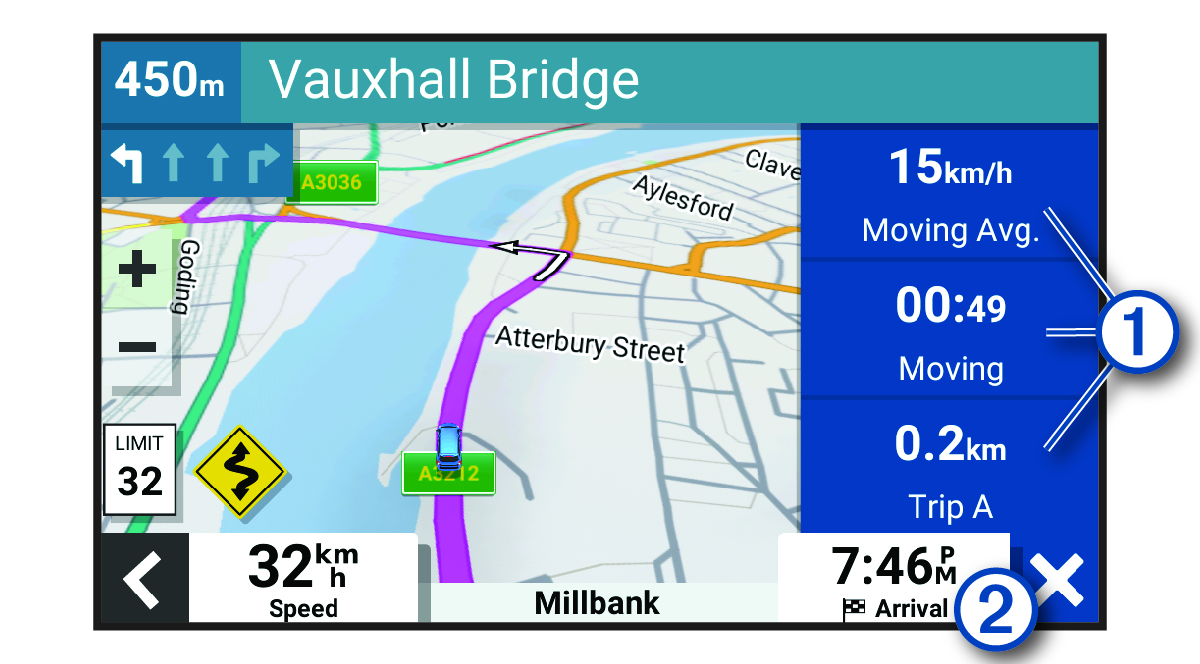
-
Select a data field in the trip data tool
 and select the information to show in the field.
 -
Select the customisable map data field
 , and select the information to show in the field.
-