Widgets
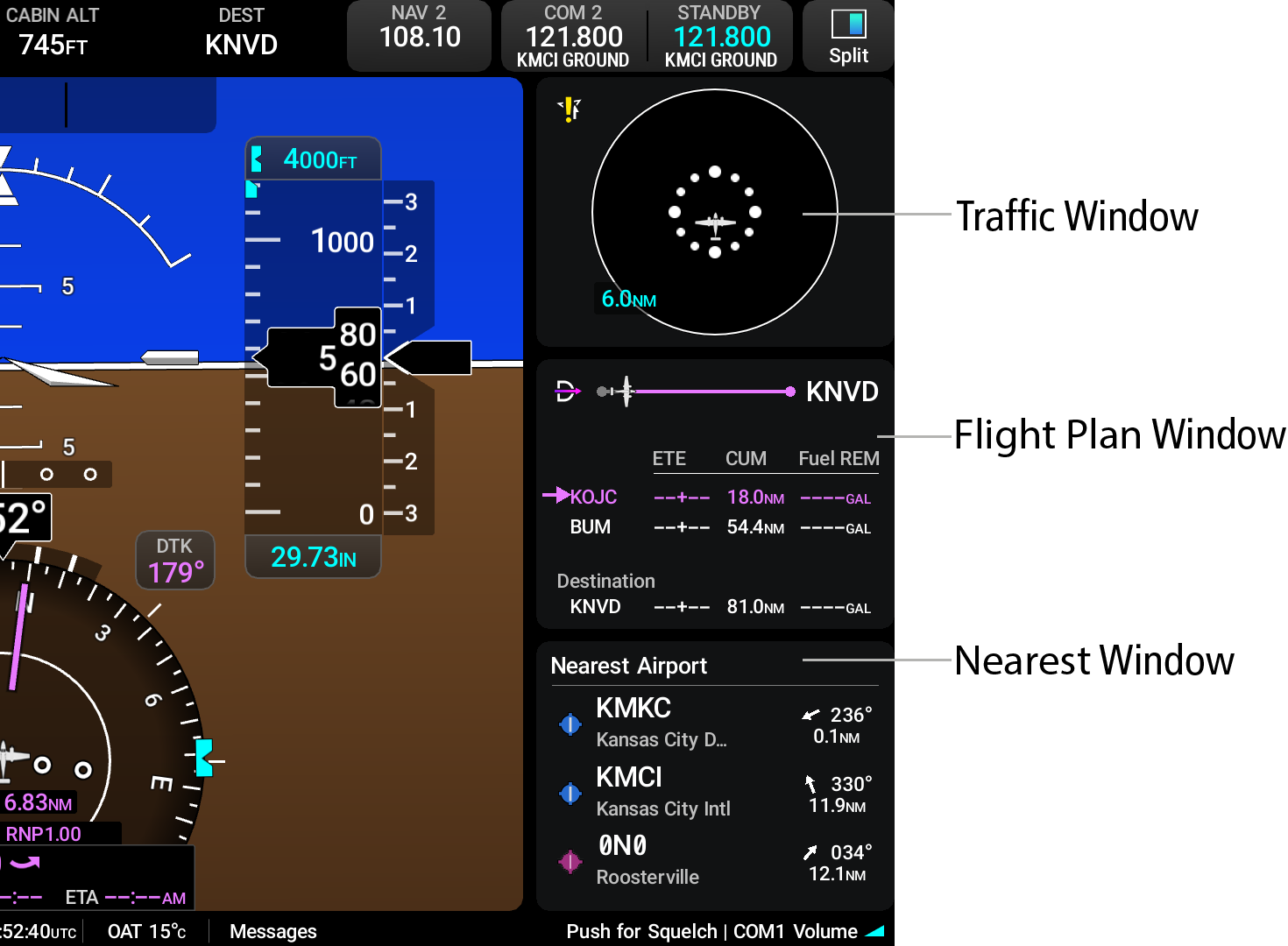
When enabled, widgets are only viewable to the side of the PFW in full screen mode. Three different widgets are displayed at one time on the display. The pilot can configure what applications are displayed and if they are on top, middle, or bottom of the widget window display. Most widget options provide a shortcut to their respective application. After touching the widget, the PFW will split to display the MFW application of the widget that was touched.