Garmin Connect
You can connect with your friends on Garmin Connect™. Garmin Connect gives you the tools to track, analyze, share, and encourage each other. Record the events of your active lifestyle including runs, walks, rides, swims, hikes, triathlons, and more.
You can create your free Garmin Connect account when you pair your device with your phone using the Garmin Connect app, or you can go to connect.garmin.com.
- Store your activities
-
After you complete and save an activity with your device, you can upload that activity to Garmin Connect and keep it as long as you want.
- Analyze your data
-
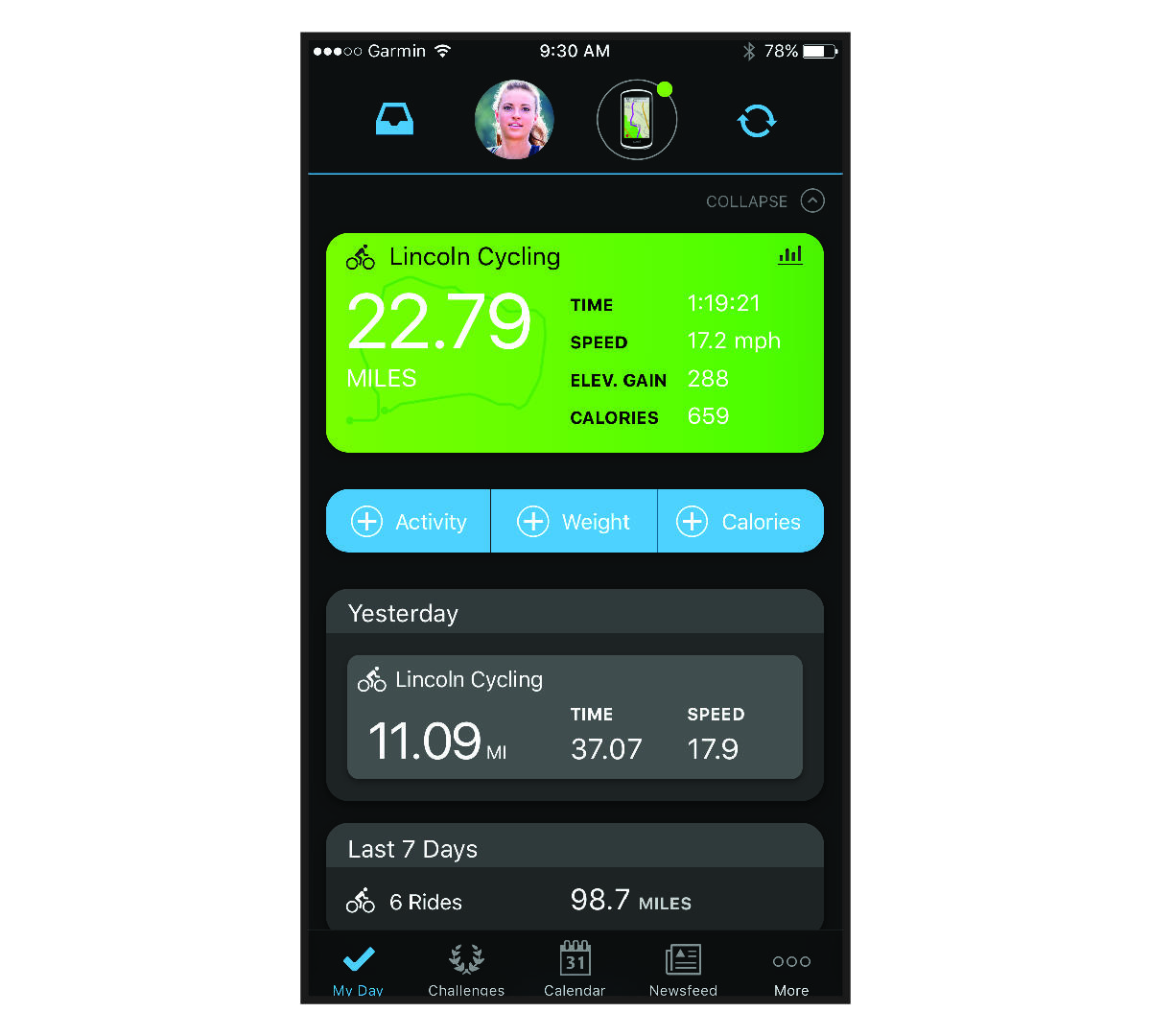
You can view more detailed information about your activity, including time, distance, elevation, heart rate, calories burned, cadence, an overhead map view, pace and speed charts, and customizable reports.NOTE: Some data requires an optional accessory such as a heart rate monitor.
- Plan your training
-
You can choose a fitness goal and load one of the day-by-day training plans.
- Share your activities
-
You can connect with friends to follow each other's activities or share links to your activities.
Using the Garmin Connect App
After you pair your bike computer with your phone, you can use the Garmin Connect app to upload all of your activity data to your Garmin Connect account (Pairing Your Phone).
Updating the Software Using the Garmin Connect App
Before you can update your device software using the Garmin Connect app, you must have a Garmin Connect account, and you must pair the device with a compatible phone (Pairing Your Phone).
When new software is available, the Garmin Connect app automatically sends the update to your device.
Unified Training Status
When you use more than one Garmin® device with your Garmin Connect account, you can choose which device is the primary data source for everyday use and for training purposes.
From the
Garmin Connect app, select
 > Settings.
- Primary Training Device
-
Sets the priority data source for training metrics like your training status and load focus.
- Primary Wearable
-
Sets the priority data source for daily health metrics like steps and sleep. This should be the watch you wear most often.
Sending Your Ride to Garmin Connect
- Sync your Edge® bike computer with the Garmin Connect app on your phone.
- Use the USB cable that came with your Edge bike computer to send ride data to your Garmin Connect account on your computer.
Using Garmin Connect on Your Computer
The Garmin Express™ application connects your device to your Garmin Connect account using a computer. You can use the Garmin Express application to upload your activity data to your Garmin Connect account and to send data, such as workouts or training plans, from the Garmin Connect website to your device. You can also install device software updates and manage your Connect IQ™ apps.
- Connect the device to your computer using the USB cable.
- Go to www.garmin.com/express.
- Download and install the Garmin Express application.
- Open the Garmin Express application, and select Add Device.
- Follow the on-screen instructions.
Updating the Software Using Garmin Express
Before you can update your device software, you must have a Garmin Connect account, and you must download the Garmin Express application.
Garmin Connect+ Subscription
You can enhance the data, connections, and training available on your Garmin Connect account with a Garmin Connect+ subscription. To sign up, you can download the Garmin Connect app from the app store on your phone, or go to connect.garmin.com.
- Active Intelligence (AI)
-
Receive AI insights about your data and activities.
- LiveTrack+
-
Send LiveTrack text messages, receive a personalized profile page, and view previous LiveTrack sessions.
- Training guidance
-
Get additional expert support and guidance for select Garmin Coach training plans.
- Performance dashboard
-
View your training data your way with customized charts and graphs.
- Social features
-
Gain access to exclusive badges, badge challenges, and double points for challenges. You can update your profile avatar with customizable frames.