Media player
The media player allows your device to control the media currently playing from a media app on your paired phone. You can open the media player at any time by selecting  > Tools > Media Player from the main menu.
|
|
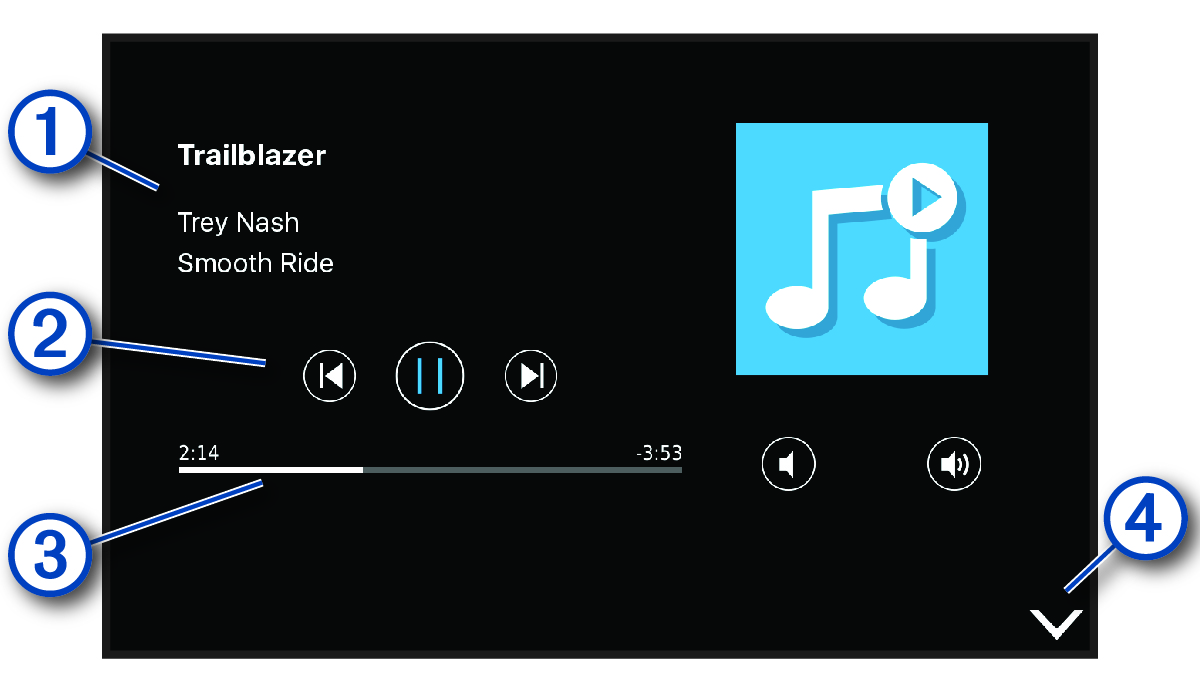
Information about the currently playing media, such as title, artist, album, station or channel. |
|---|---|
|
|
Playback controls. The controls change based on the service providing the media. |
|
|
Progress through the current media item. |
|
|
Select to hide or shrink the media player. |


