Big Numbers Mode
You can change the size of the numbers on the hole information screen.
-
During a round, press
 .
.
-
Select
.
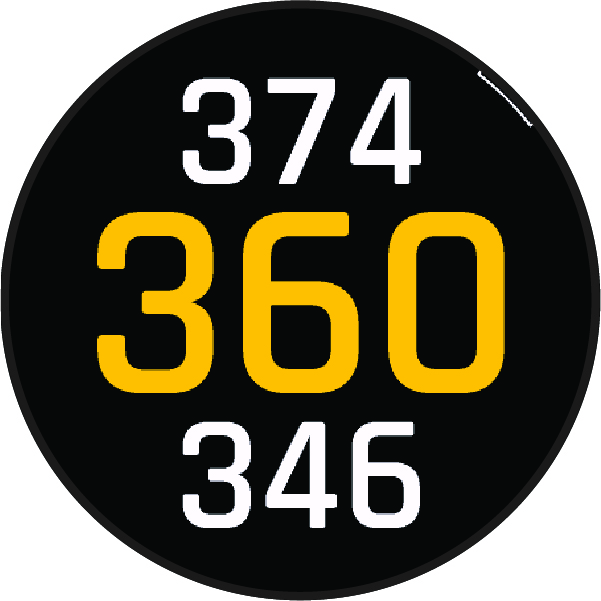
The distances to the front, middle, and back of the green appear in large font on the hole information screen.
-
Press
 or
or
 to view additional data, such as your handicap rating.