Touchscreen Tips
- Tap the touchscreen to make a selection.
- Double-tap to wake the watch.
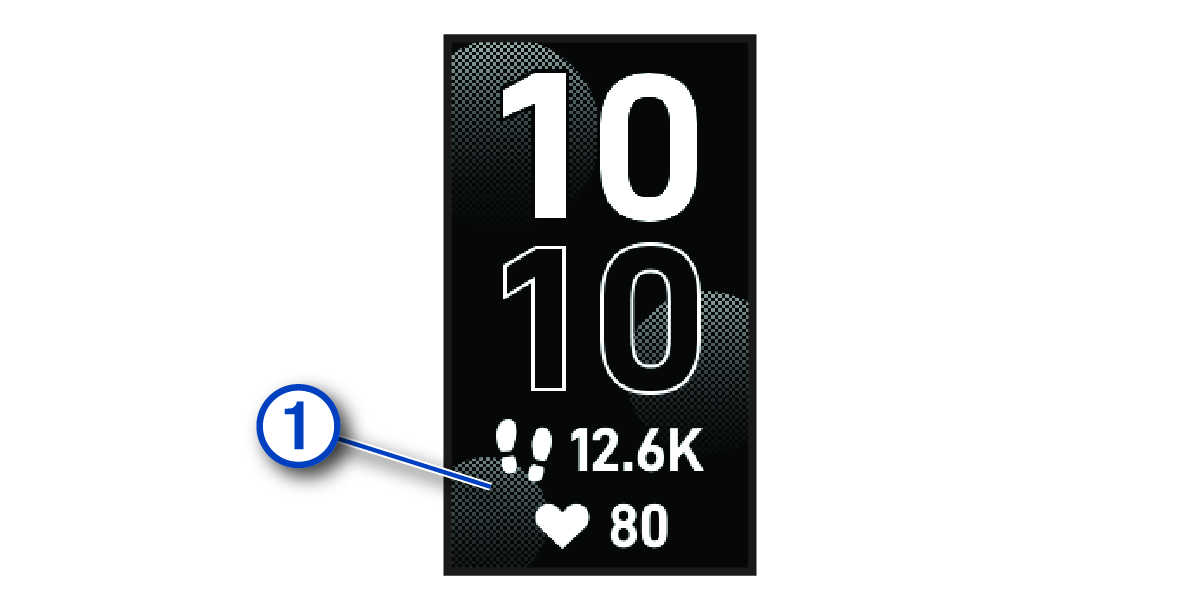
- From the watch face, tap the touchscreen to cycle through data, such as steps and heart rate
 .
.
- From the controls menu, hold the touchscreen to add, remove, and reorder the controls.
- From any screen, press
 to return to the previous screen.
 - Tap the widget screen to view additional details for the widget.