Turning On and Off the Watch
The vívosmart 5 watch automatically wakes when you interact with it.
- Select an option to turn on the screen:
- Double-tap the touchscreen.
- Press
 .
. - Rotate and lift your wrist toward your body.
NOTE: You cannot wake the watch with a gesture when do not disturb mode is enabled (Using Do Not Disturb Mode).
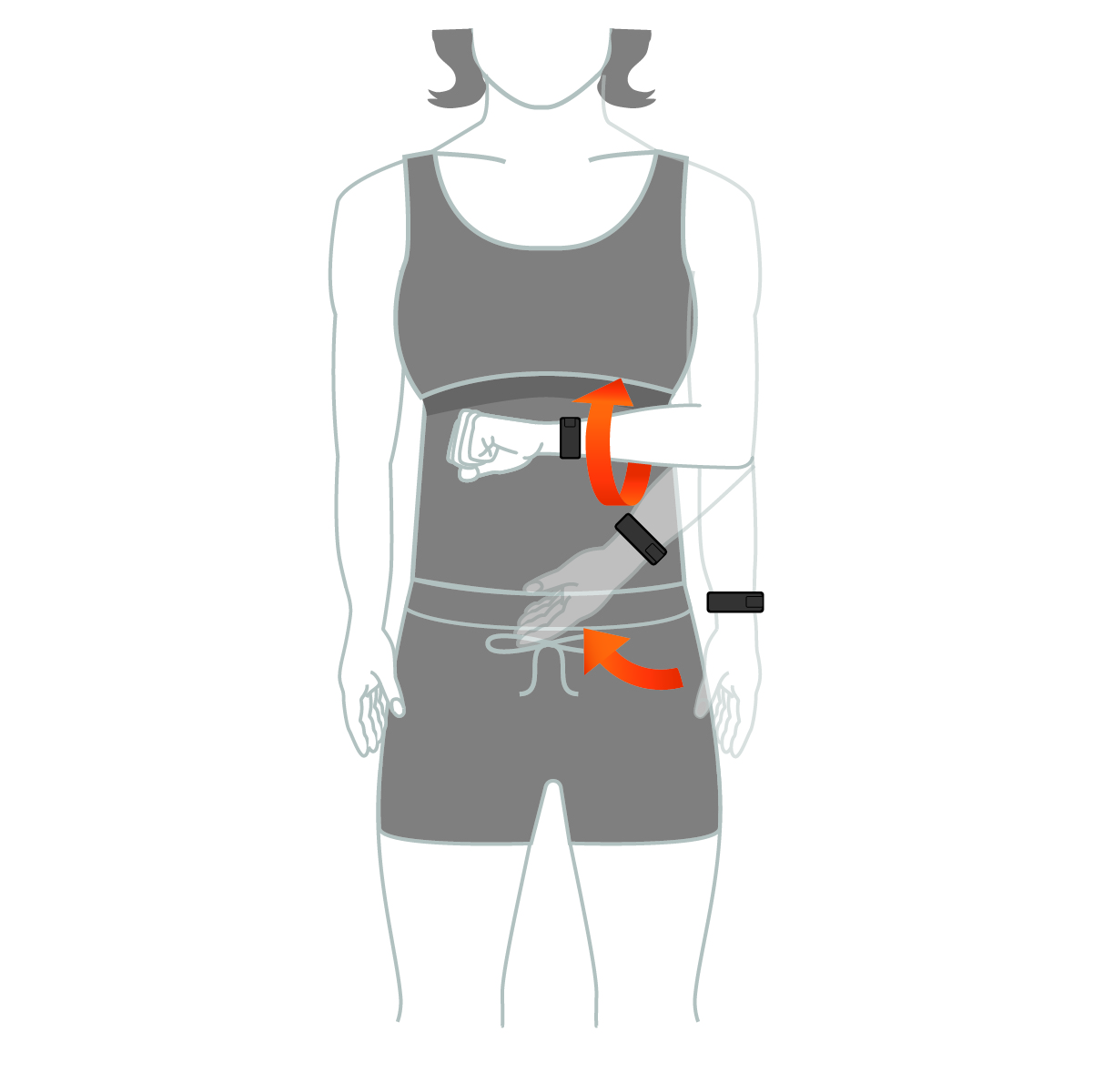
- Rotate your wrist away from your body to turn off the screen.
NOTE: The screen turns off when not in use. When the screen is off, the watch is still active and recording data.