Setting Up the Watch
Before you can use your watch, you must plug it into a power source to turn it on.
To use the connected features of the vívomove Trend watch, it must be paired directly through the Garmin Connect app, instead of from the Bluetooth® settings on your phone.
- From the app store on your phone, install the Garmin Connect app.
- Pinch the charging clip
 .
.
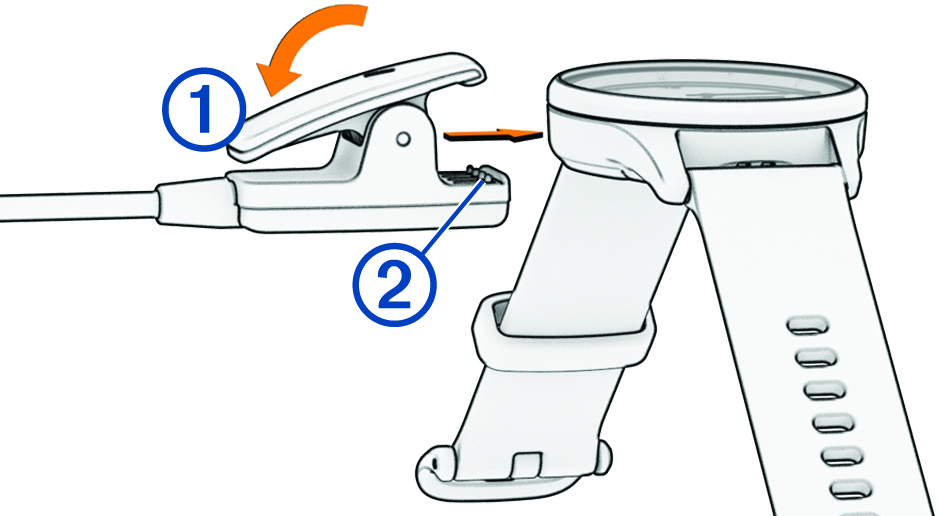
- Align the clip with the contacts on the back of the watch
 .
. - Plug the USB cable into a power source to turn on the watch (Charging the Watch).
Hello! appears when the watch turns on.
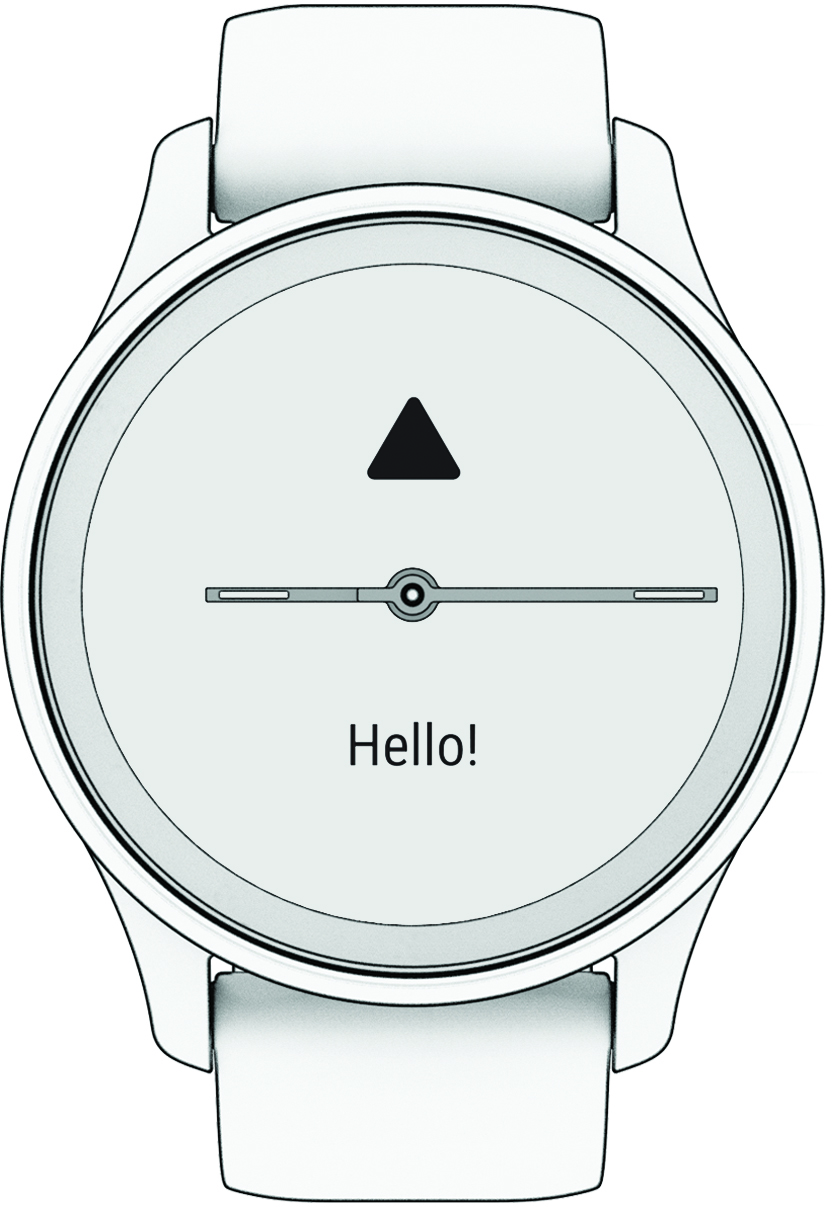
- Select an option to add your watch to your Garmin Connect account:
- If this is the first device you have paired with the Garmin Connect app, follow the on-screen instructions.
- If you have already paired another device with the Garmin Connect app, from the
 or
or  menu, select Garmin Devices > Add Device, and follow the on-screen instructions.
After you pair successfully, a message appears, and your watch syncs automatically with your phone.