Using the Watch
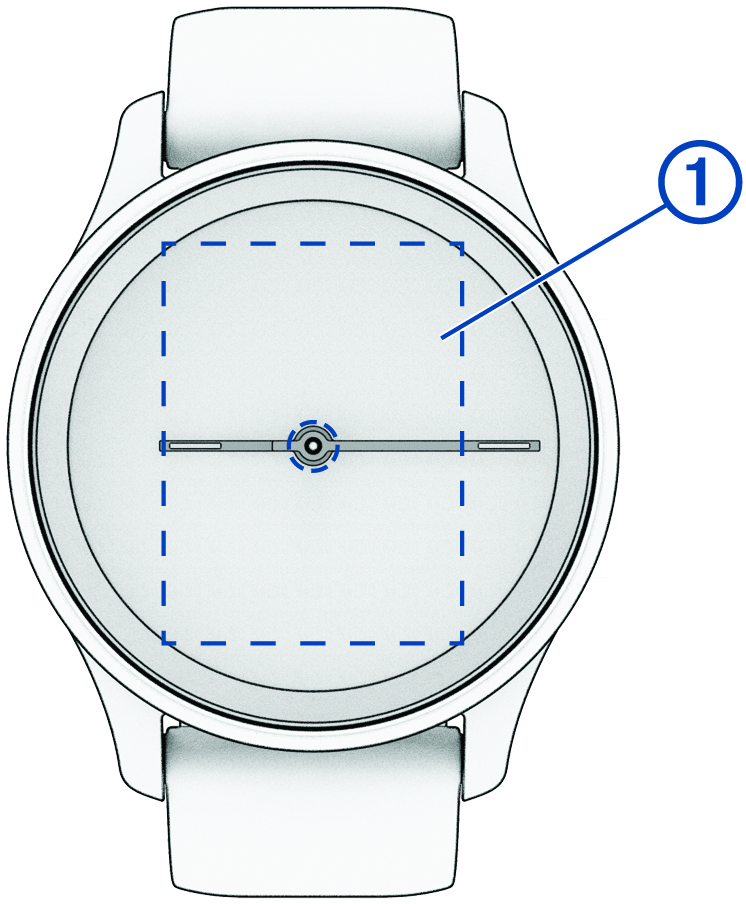
Double-tap: Double-tap the touchscreen  to wake the watch.
NOTE: The screen turns off when not in use. When the screen is off, the watch is still active and recording data.
Wrist gesture: Rotate and lift your wrist toward your body to turn the screen on. Rotate your wrist away from your body to turn the screen off.
Swipe: When the screen is on, swipe the touchscreen to scroll through widgets and menu options.
Swipe right to return to the previous screen.
Swipe left to view the controls menu.
Hold: Hold the touchscreen to open the menu.
Tap: Tap the touchscreen to make a selection.