Using the Device
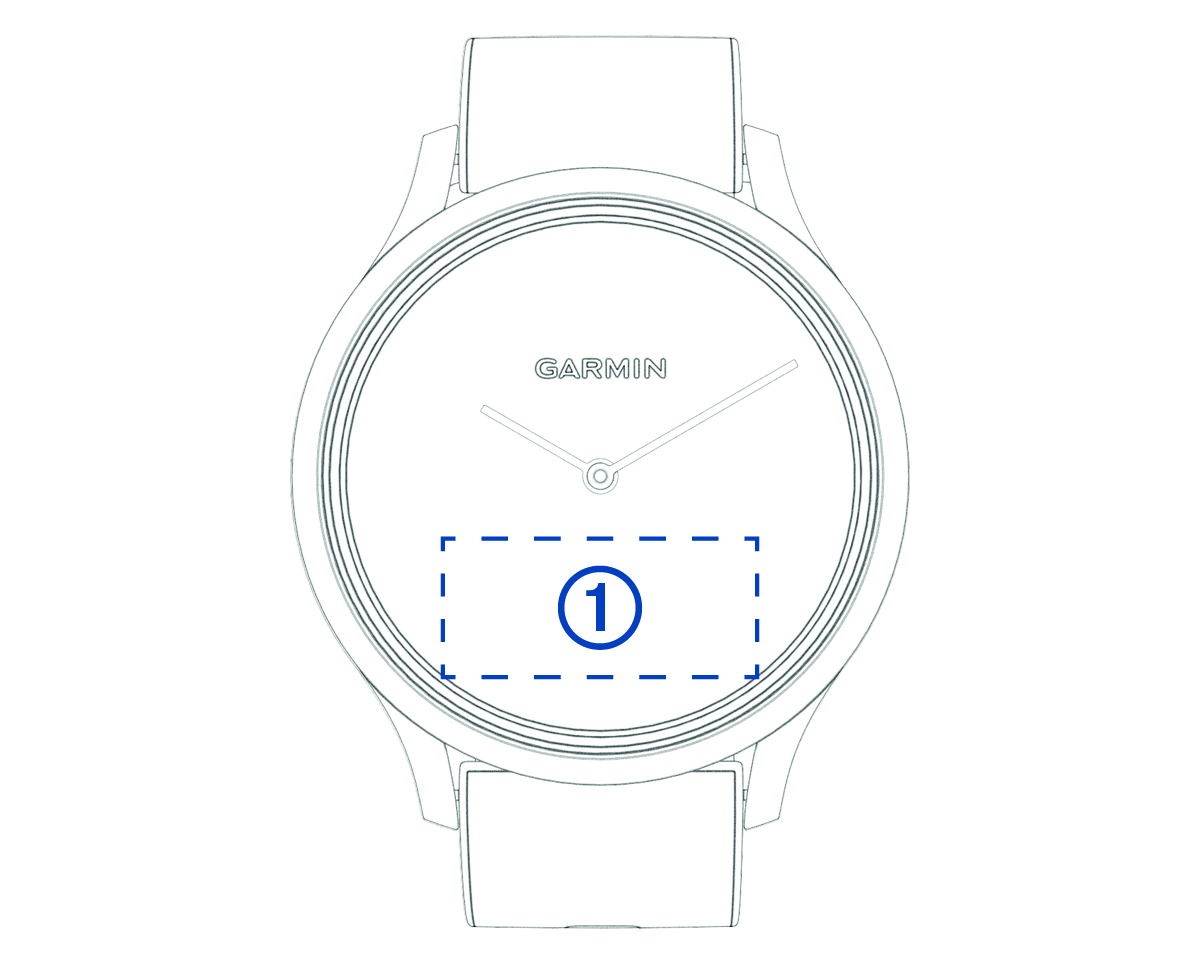
Double-tap: Double-tap the touchscreen  to wake the device.
NOTE: The screen turns off when not in use. When the screen is off, the device is still active and recording data.
Wrist gesture: Rotate and lift your wrist toward your body to turn the screen on. Rotate your wrist away from your body to turn the screen off.
Swipe: When the screen is on, swipe the touchscreen to unlock the device.
Swipe the touchscreen to scroll through widgets and menu options.
Hold: When the device is unlocked, hold the touchscreen to open the menu.
Tap: Tap the touchscreen to make a selection.
Tap  to return to the previous screen.