Using the Device
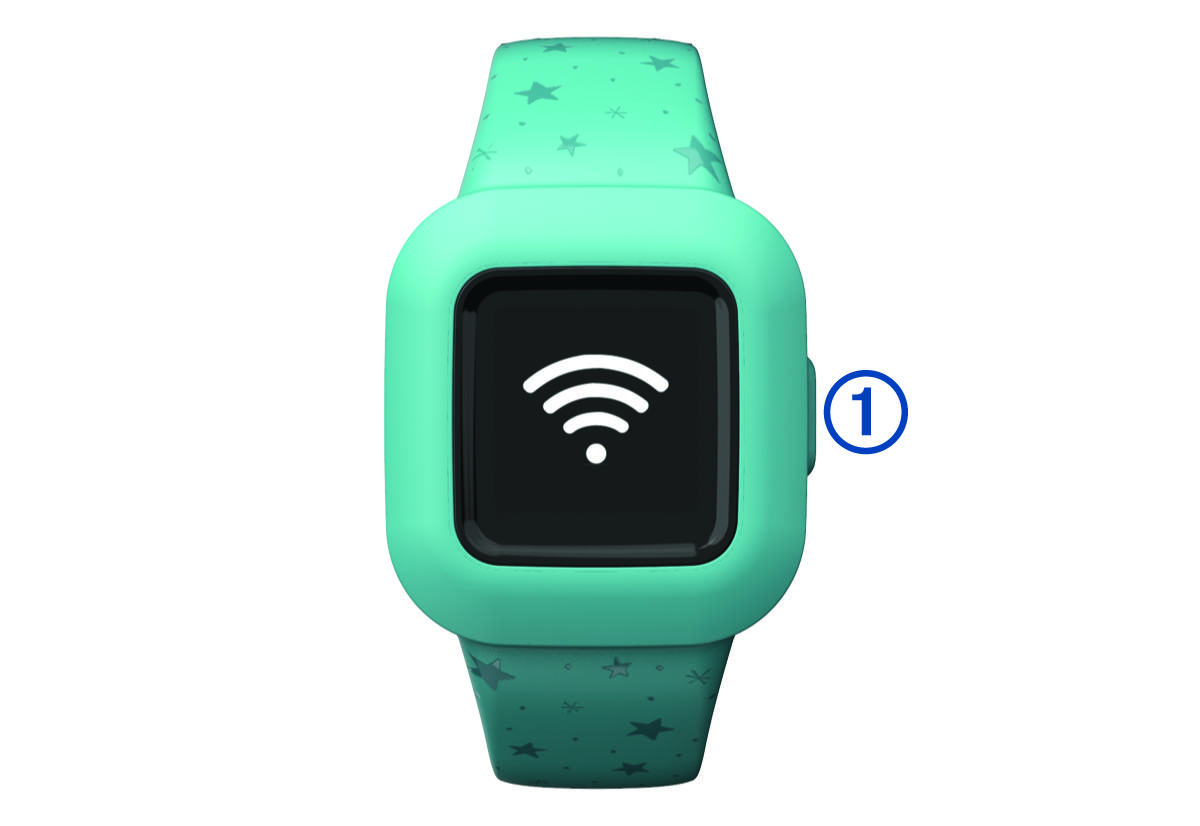
- Press the key
 to scroll through device features (Icons).
 - Hold the key for 1 second, and release it to view the menu
 (Menu Options).
 - Press the key to scroll through menu options.
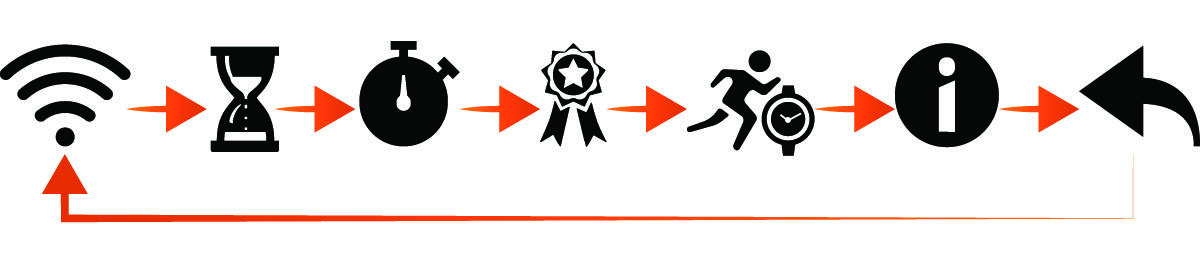
- Hold the key for 1 second, and release it to select menu options.
- Hold the key for less than 1 second to turn on the backlight. The backlight turns off automatically.