Controlling Music Playback
- On your smartphone, start playing a song or playlist.
- On your vívoactive 3 Element device, swipe to view the music control widget.
The progress bar
 indicates the progress through the current track.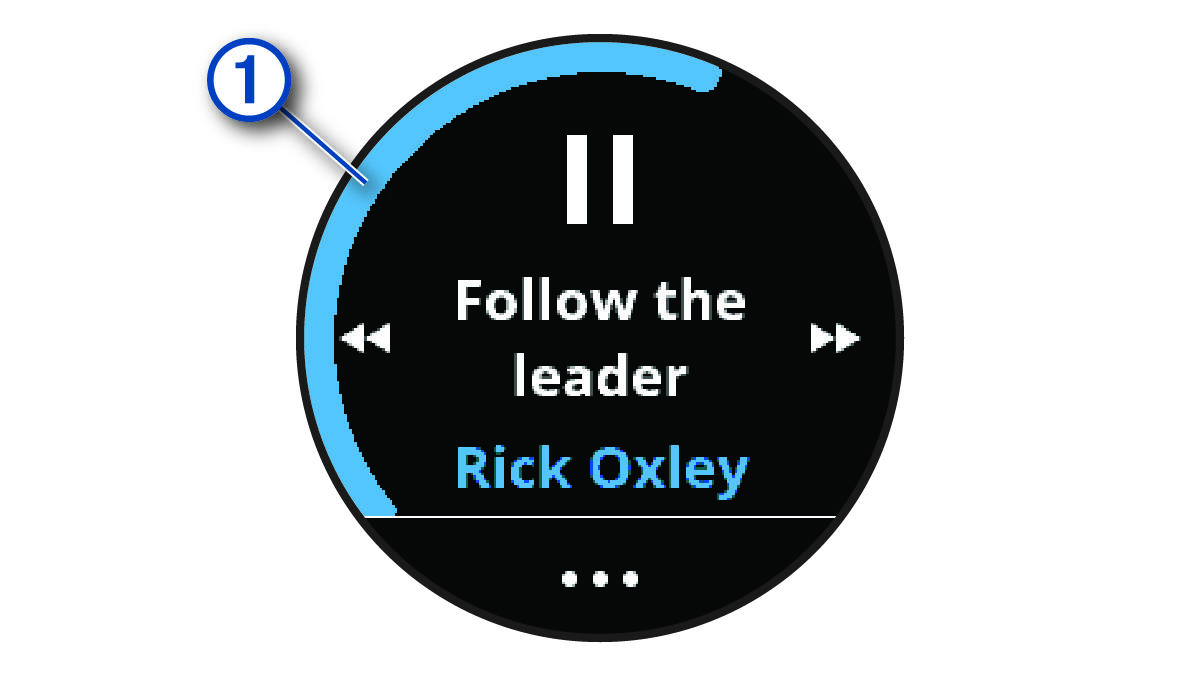
- Select an option:
- To skip to the next or previous track, select
 or
or  .
. - To pause or resume playback, select
 or
or  .
. - To increase or decrease the volume, select
 , and select
  or
or  .
. - To shuffle the tracks in your playlist, select >
 .
. - To change the repeat mode, select >
 .
.
- To skip to the next or previous track, select