Device Overview
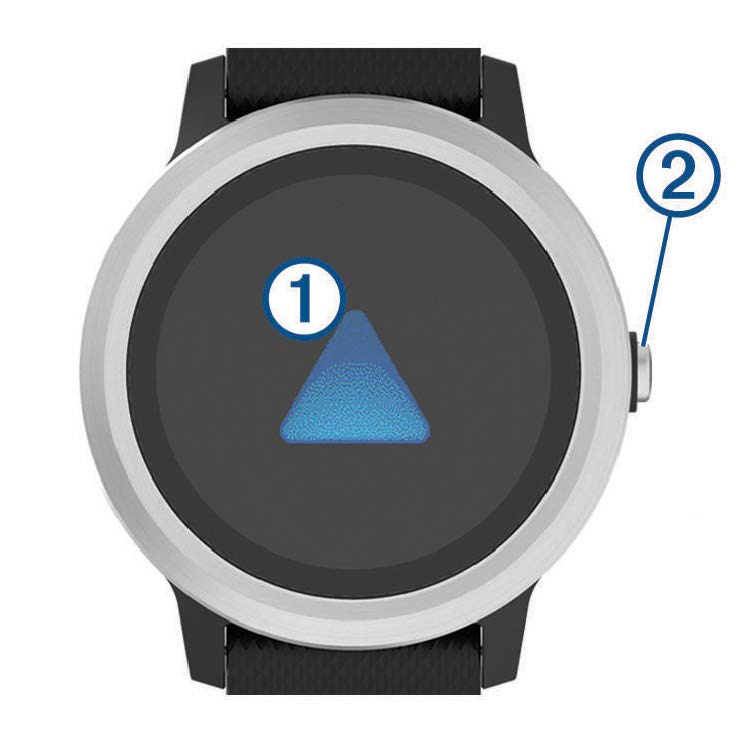
 Touchscreen: Swipe up or down to scroll through widgets, features, and menus.
Tap to select.
Swipe right to go back to the previous screen.
During an activity, swipe right to view the watch face and widgets.
Hold to view a menu of device settings and options for the current screen.
 Key: Hold to turn on the device.
Hold to view the controls menu, including device power.
Press to return to the watch face from any screen, except during an activity.
During activities, press to pause the activity.