Using the Controls Menu
The controls menu contains customizable shortcuts, such as locking the touchscreen and turning the device off.
NOTE: You can add, reorder, and remove the shortcuts in the controls menu (Customizing the Controls Menu).
- From any screen, hold
 for 2 seconds.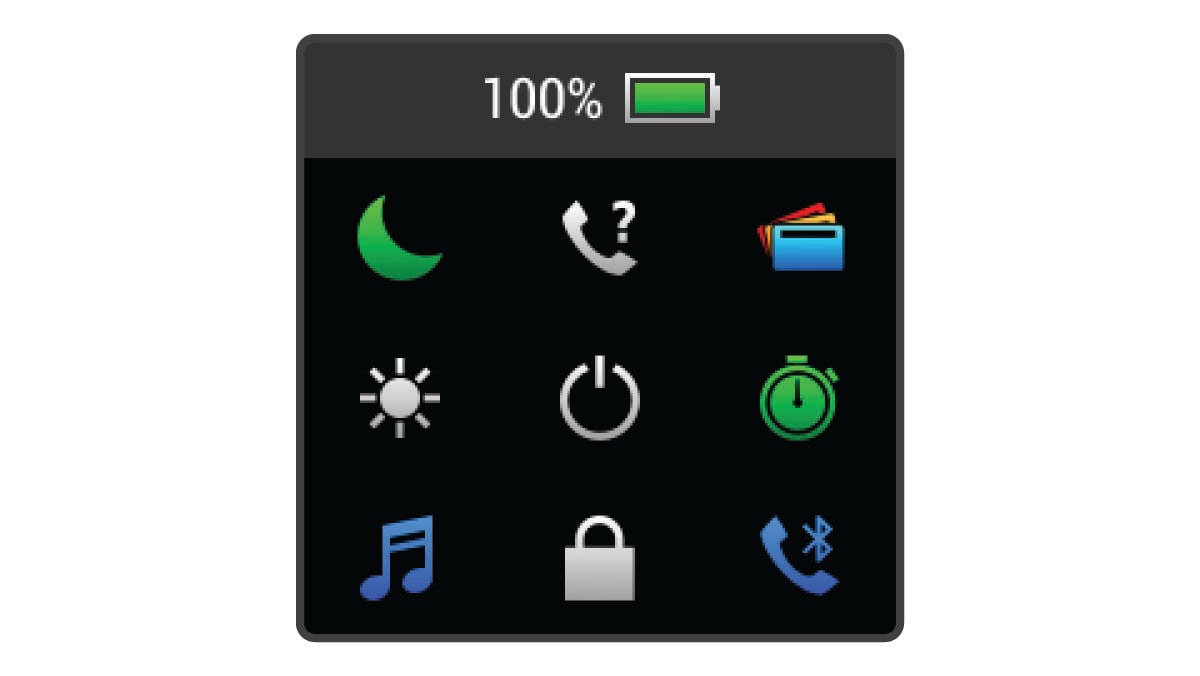
- Select an option.