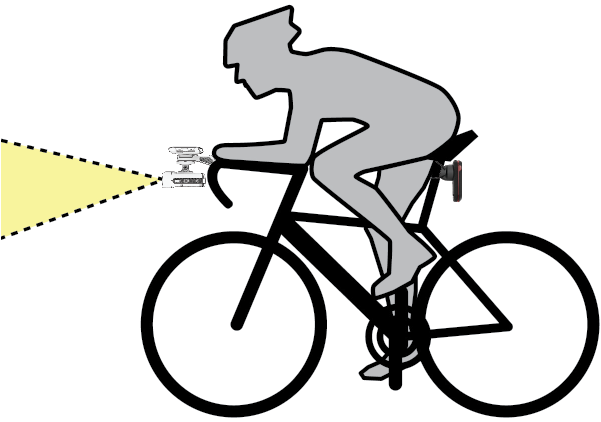
Tips for Installing the Headlight Select a secure location to mount the device where it does not interfere with the safe operation of your bike. Select a mount that best fits your bike. Install the device correctly. The device faces forward, and must be mounted underneath the handlebars (Installing the Out-Front Mount). Make sure there are no obstructions in front of the light. Adjust the headlight angle so it illuminates the ground ahead. To correctly line up the headlight, use the camera preview feature on the Varia app (Camera Settings). If using an Edge bike computer, install the mount so the bike computer is visible from a comfortable riding position. Go for a test ride during the day in a safe environment. HomeIntroductionInstalling the Out-Front MountTips for Installing the Headlight
Tips for Installing the Headlight Select a secure location to mount the device where it does not interfere with the safe operation of your bike. Select a mount that best fits your bike. Install the device correctly. The device faces forward, and must be mounted underneath the handlebars (Installing the Out-Front Mount). Make sure there are no obstructions in front of the light. Adjust the headlight angle so it illuminates the ground ahead. To correctly line up the headlight, use the camera preview feature on the Varia app (Camera Settings). If using an Edge bike computer, install the mount so the bike computer is visible from a comfortable riding position. Go for a test ride during the day in a safe environment. HomeIntroductionInstalling the Out-Front MountTips for Installing the Headlight