Installing AA Batteries
Instead of the included lithium-ion battery pack (Installing the Lithium-ion Battery), you can use three AA batteries with an optional AA battery pack (not included). This is useful when you are on the trail and cannot charge the lithium-ion battery pack. Garmin recommends lithium AA batteries for best results.
NOTE: The optional AA battery pack is compatible with the Montana 700 device only.
- Turn the D-ring counterclockwise to remove the lithium-ion battery pack from the Montana 700 device.
- Slide the latch to open the AA battery pack.
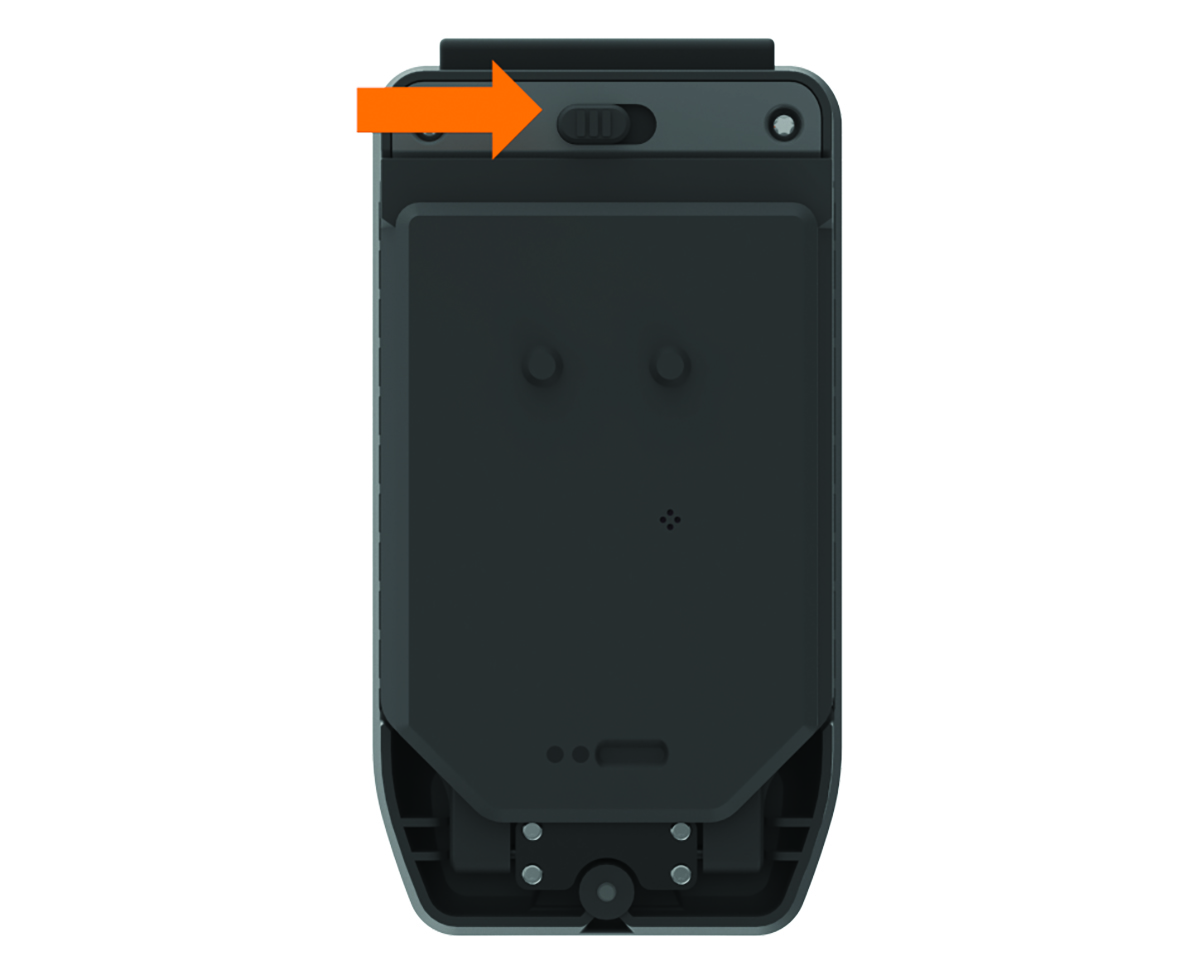
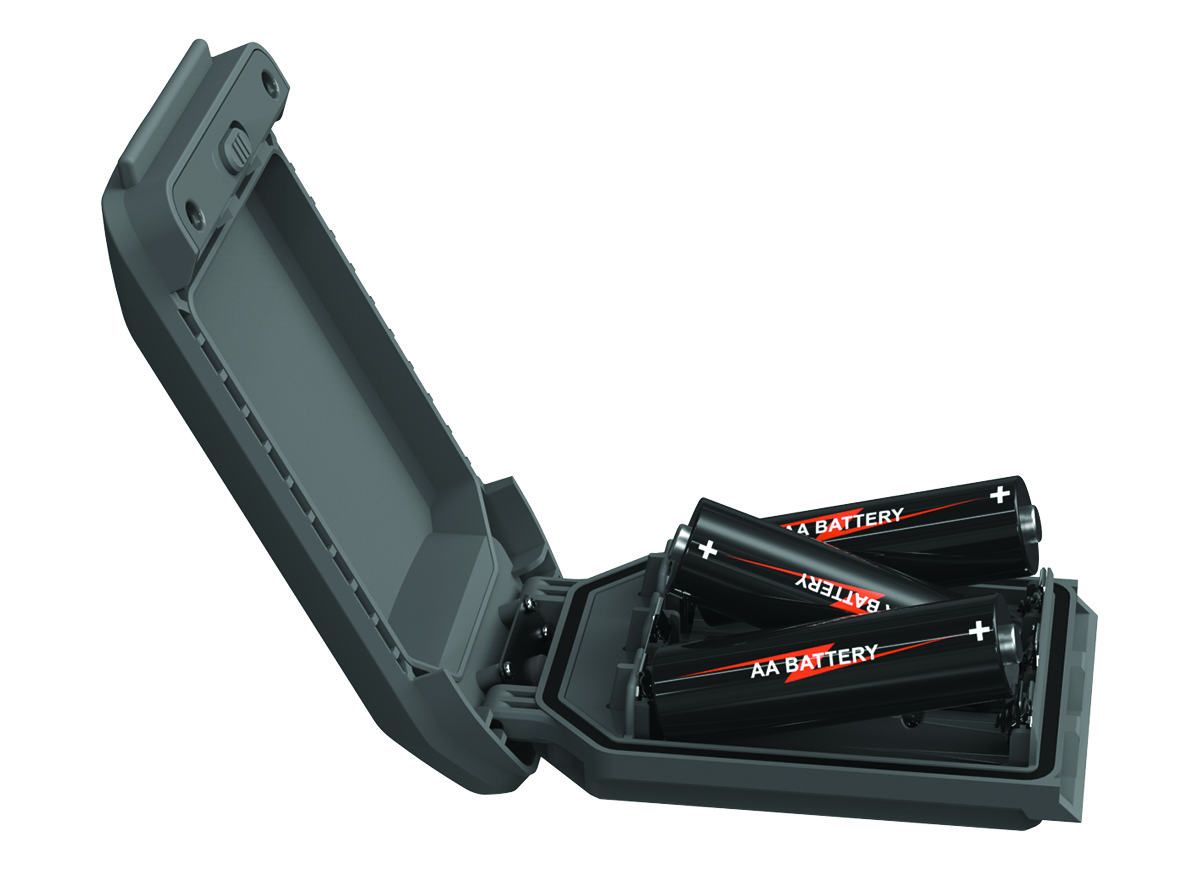
- Insert three AA batteries, observing polarity, and close the battery pack.
- Insert the AA battery pack into the back of the device, turn the D-ring clockwise, and press the D-ring flat against the back of the device.
- Hold
 .
. - Select Setup > System > Battery Type.
- Select Alkaline, Lithium, NiMH, or Precharged NiMH.
NOTICE
To prevent corrosion, remove the batteries from the battery pack when not in use, and store the battery pack in a dry location.