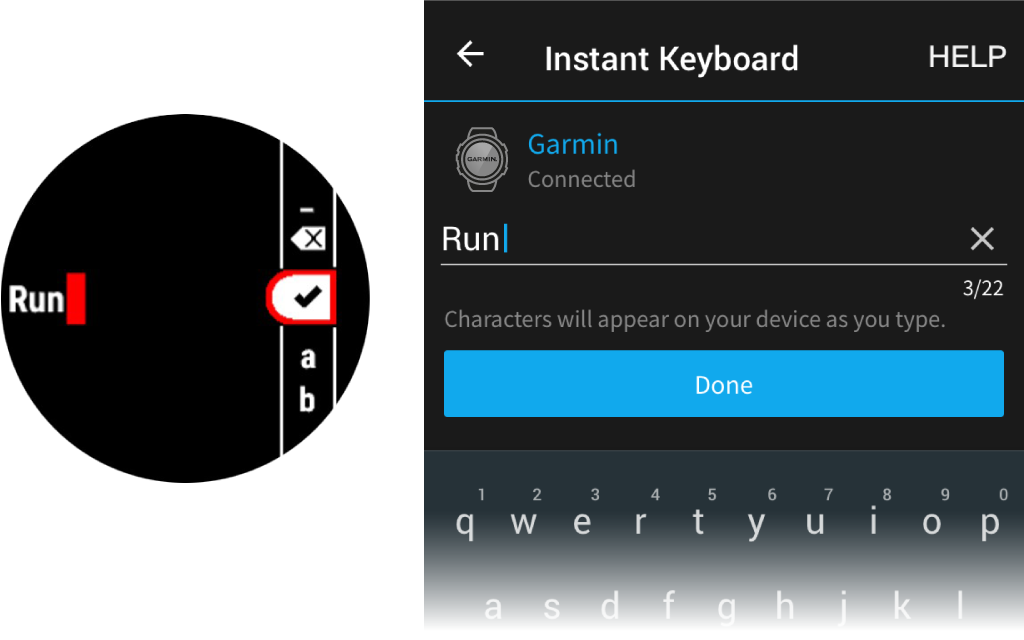
Entering Text with Instant Keyboard
Instant Keyboard allows you to quickly enter text to your MARQ device using Garmin Connect app.
A keyboard will appear in Garmin Connect whenever a text field appears on your MARQ device.
As you type on the keyboard, the characters will be entered simultaneously to the text field on your MARQ device.
Instant Keyboard is enabled by default. To disable Instant Keyboard, go to Settings > Instant Keyboard in Garmin Connect.
NOTE: Garmin Connect must be open and paired with your MARQ device when the text field appears.