Using the Tachymeter
You can use the tachymeter to compute speed or distance.
- Hold START.
- Select START to start the timer.
- Select an option:
- To determine speed, select STOP at a distance of 1 mi. or 1 km.
- To determine a distance traveled of 1 mi. or 1 km, determine your speed, and select STOP when the number on the bezel is equal to your speed.
|
|
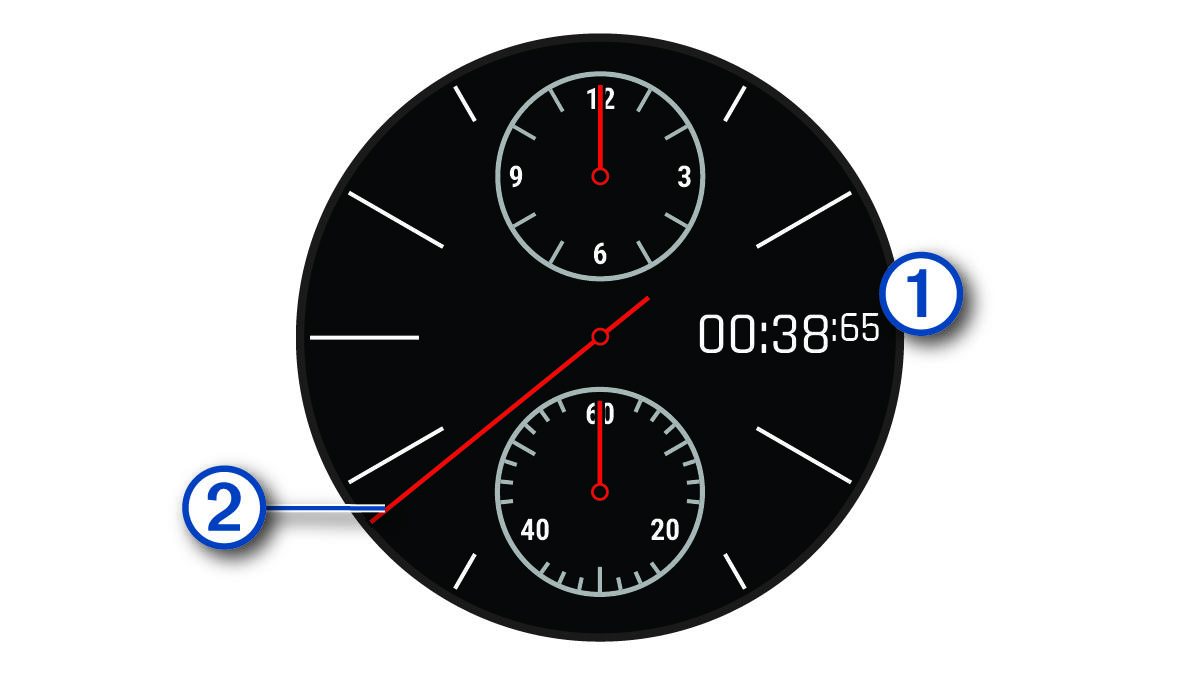
The chronograph displays the elapsed time. |
|
|
When determining speed, the number on the bezel aligned with the tachymeter second hand is the speed in miles per hour or kilometers per hour. |


- If necessary, select DOWN to reset the timer.