Virtual Caddie
Before you can use the virtual caddie, you must play five rounds with Approach CT10 sensors or enable the Club Prompt setting (), and upload your scorecards. For each round, you must connect to a paired smartphone with the Garmin Golf app. The virtual caddie provides a recommended club and aim direction based on the hole, wind data, and your past performance with each club.
Changing the Club Recommendation
- Press START.
- Select Virtual Caddie.
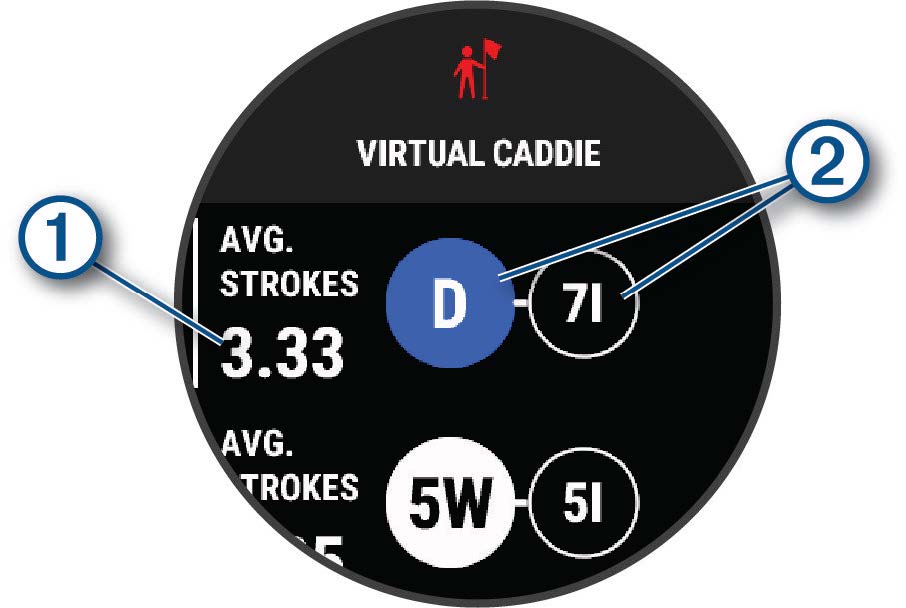
The device displays the calculated average number of strokes  for the recommended clubs
  .
.
- Select a different club recommendation.
The map updates to show the new shot direction target.
NOTE: The device automatically recalculates the club recommendation as you progress through the course. You can select Recalculate to manually update the club recommendation.