Viewing Widgets and Menus
- From the watch face, hold
 to view the main menu.
 - From the watch face, hold
 to view the controls menu.
 - From the watch face, swipe left or right to view the widgets.
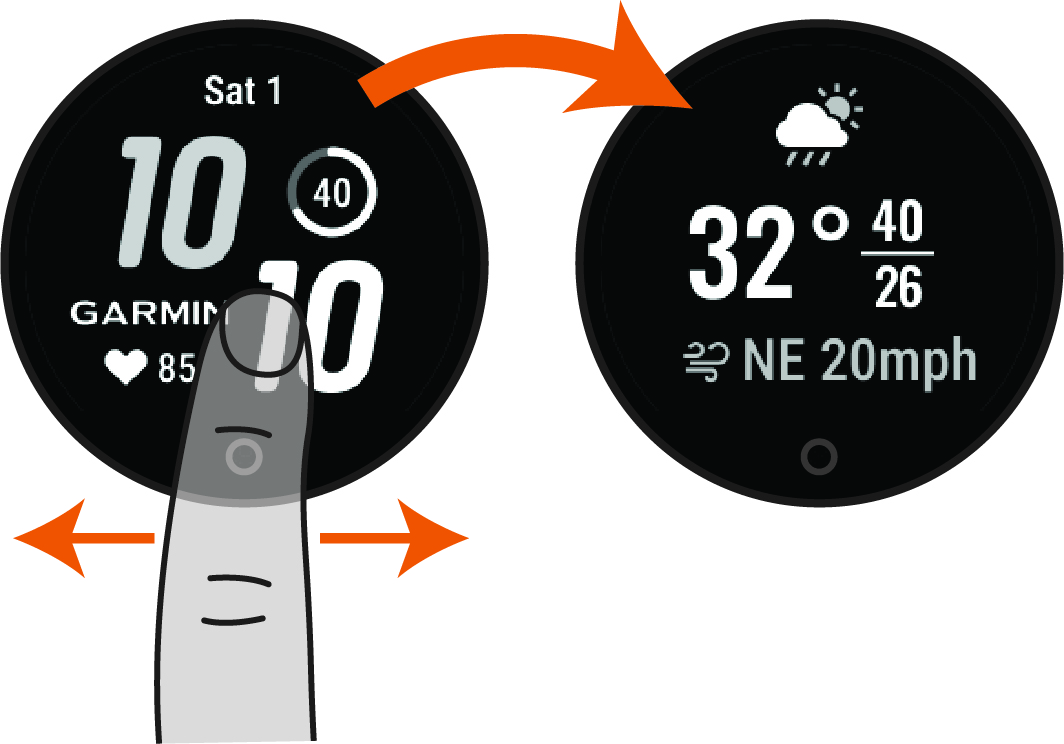
- Tap each widget and swipe left or right to view additional data.
- Swipe to view any widget.
- Hold .
- Select Manage Widget.
- Select an option:
- Select Add to add a widget to the widget loop.
- Select Remove to remove a widget from the widget loop.