Using the Stress Level Widget
The stress level widget displays your current stress level and a graph of your stress level for the last several hours. It can also guide you through a breathing activity to help you relax.
- While you are sitting or inactive, press UP or DOWN from the watch face to view the stress level widget.
- Wait until the device begins the stress level reading.
TIP: If you are too active for the watch to determine your stress level, a message appears instead of a stress level number. You can check your stress level again after several minutes of inactivity.
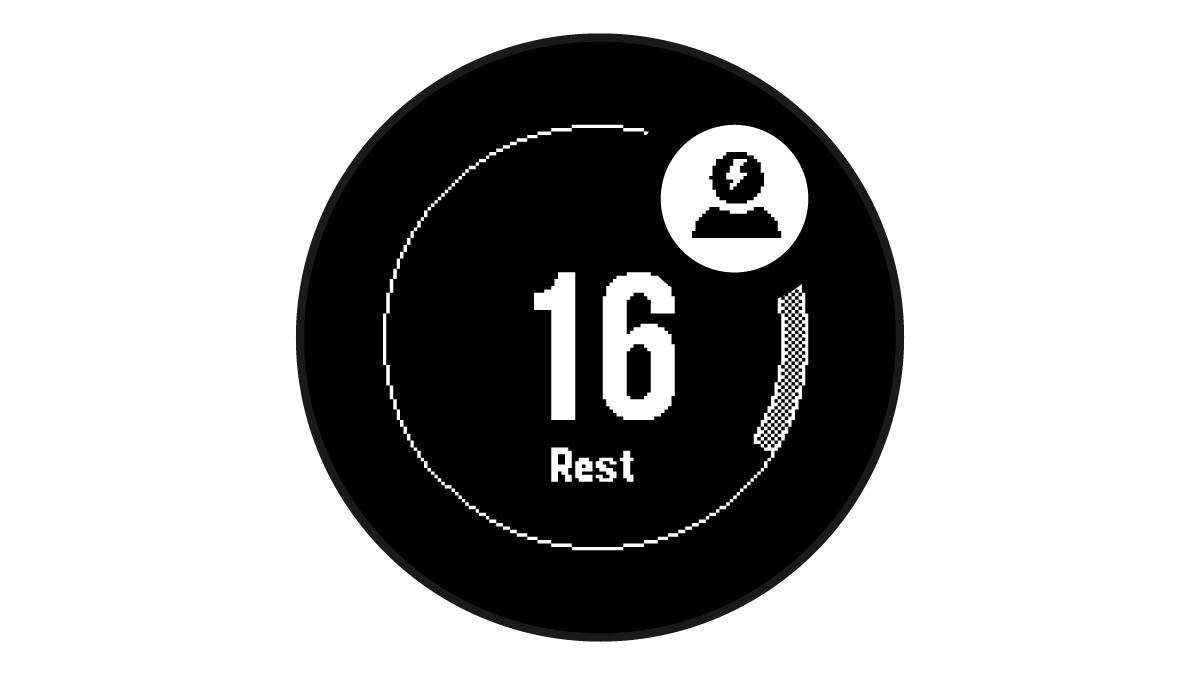
- Press GPS to view a graph of your stress level for the last 2.5 hours.
- To start a breathing activity, press DOWN > GPS, and enter a duration for the breathing activity in minutes.