Viewing the Controls Menu
The controls menu contains options, such as turning on do not disturb mode, locking the keys, and turning the device off.
NOTE: You can add, reorder, and remove the options in the controls menu (Customizing the Controls Menu).
- From any screen, hold CTRL.
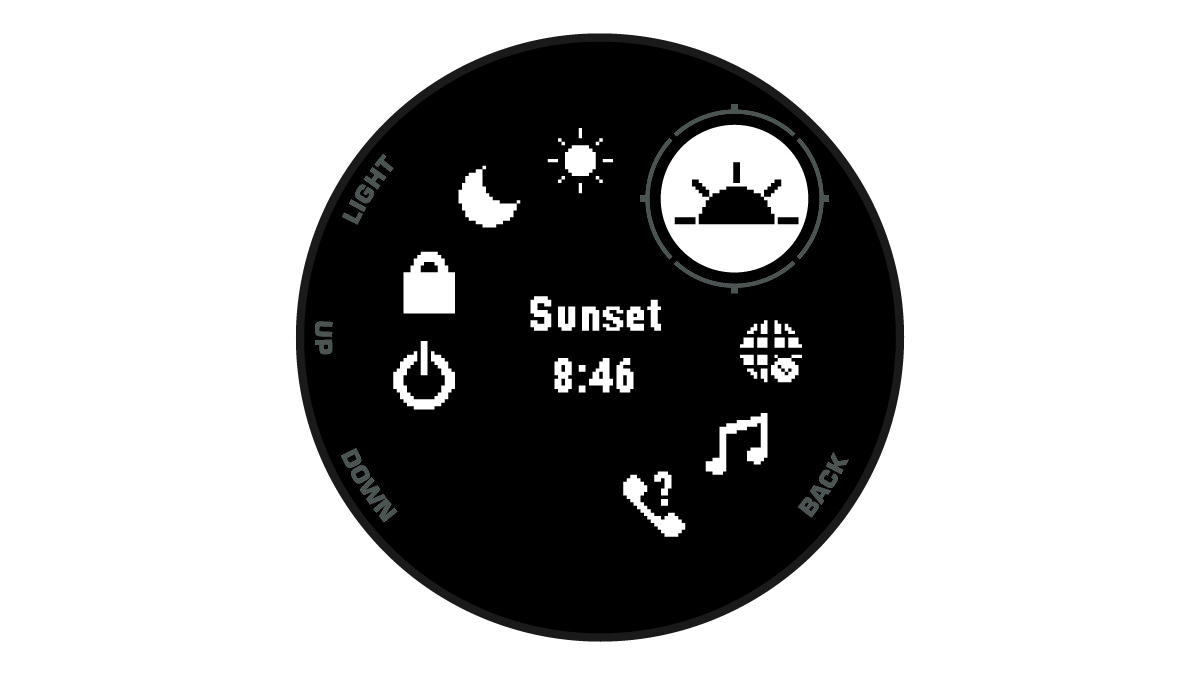
- Press UP or DOWN to scroll through the options.