Keys
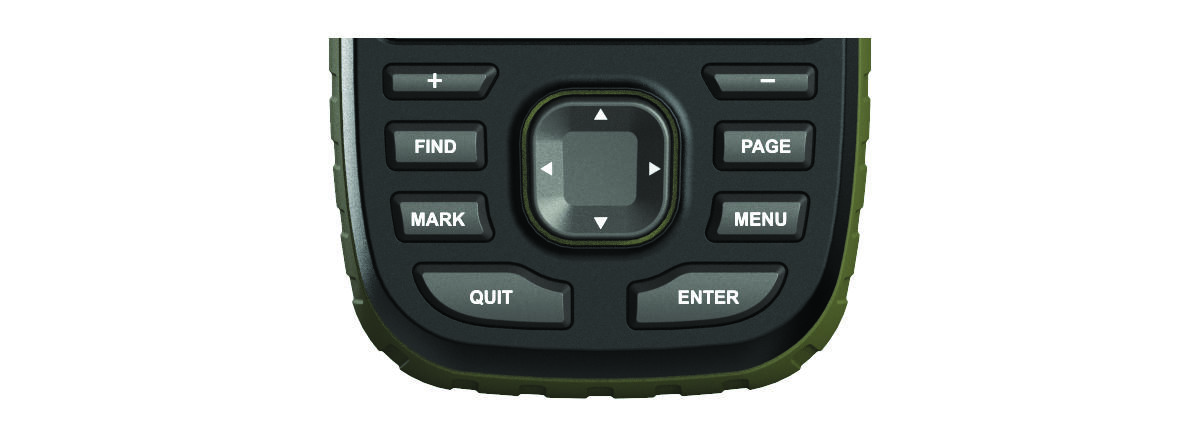
|
FIND |
Select to open the search menu. |
|
MARK |
Select to save your current location as a waypoint. |
|
QUIT |
Select to cancel or return to the previous menu or page. Select to scroll through the main pages. |
|
ENTER |
Select to select options and acknowledge messages. |
|
MENU |
Select to control the current activity recording (from the Map, Compass, Altimeter, and Trip Computer pages). |
|
PAGE |
Select to open the options menu for the page that is currently open. |
|
|
Select |
|
IN |
Select to zoom in on the map. |
|
OUT |
Select to zoom out on the map. |

 ,
,  ,
,  , or
, or  to select menu options and move the map cursor.