Installing a NiMH Battery Pack
The device operates using a NiMH battery pack (optional) or two AA batteries (Installing AA Batteries).
- Turn the D-ring counter-clockwise, and pull up to remove the cover.
- Locate the battery pack
 .
.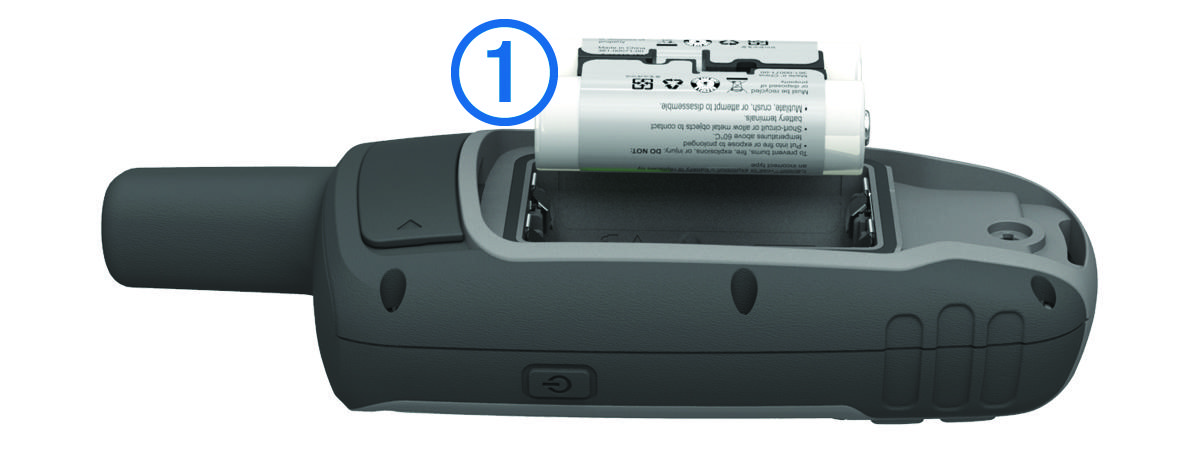
- Insert the battery pack, observing polarity.
- Gently press the battery pack into place.
- Replace the battery cover, and turn the D-ring clockwise.