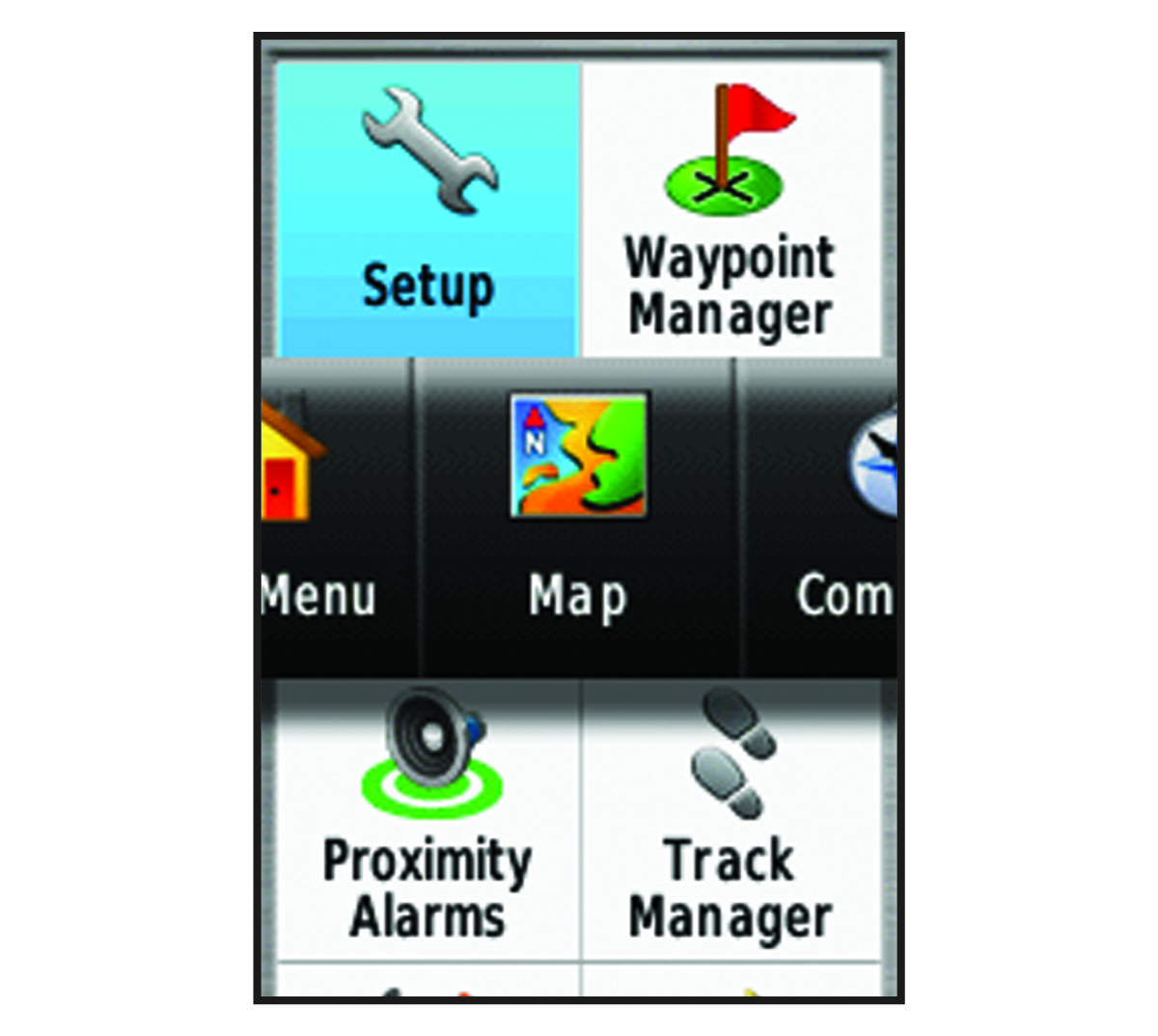
Changing the Page Sequence Select Setup > Page Sequence. Select a page. Select Move. Move the page up or down in the list. Select ENTER.TIP: You can select PAGE to view the page sequence. Adding a PageRemoving a PageHomeCustomizing the DeviceChanging the Page Sequence
Changing the Page Sequence Select Setup > Page Sequence. Select a page. Select Move. Move the page up or down in the list. Select ENTER.TIP: You can select PAGE to view the page sequence. Adding a PageRemoving a PageHomeCustomizing the DeviceChanging the Page Sequence