Going for a Pool Swim
- From the watch face, select START > Pool Swim.
- Select your pool size, or enter a custom size.
- Select START.
- Start swimming.
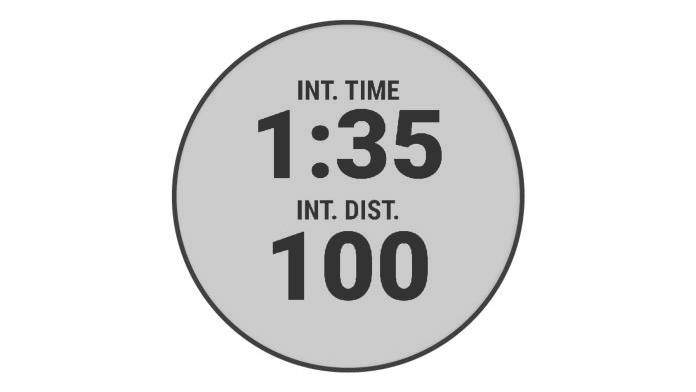
The device automatically records swim intervals and lengths.
- If resting, select LAP to create a rest interval.
The display reverses to white text on a black background, and the rest screen appears.
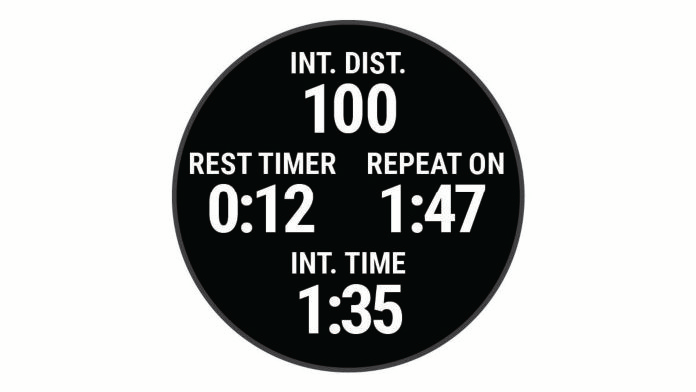
- From resting, select LAP to resume swimming and create a new swim interval.
NOTE: You can also use the auto rest feature to have the device automatically create rest intervals (Auto Rest).
- Select UP or DOWN to view additional data pages (optional).
- After you complete your swim, select STOP to stop the activity timer.
- Select an option:
- Select Resume to restart the activity timer.
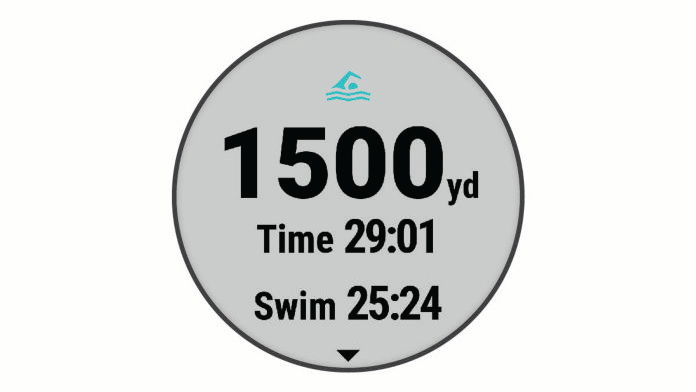
- Select Save to save the swim and reset the activity timer. You can view a summary, or select DOWN to view more data.
- Select Discard > Yes to delete the swim.