Using the Stopwatch
- From the watch face, hold
 .
. - Select Clocks > Stopwatch.
- Press START to start the timer.
- Press
 to restart the lap timer
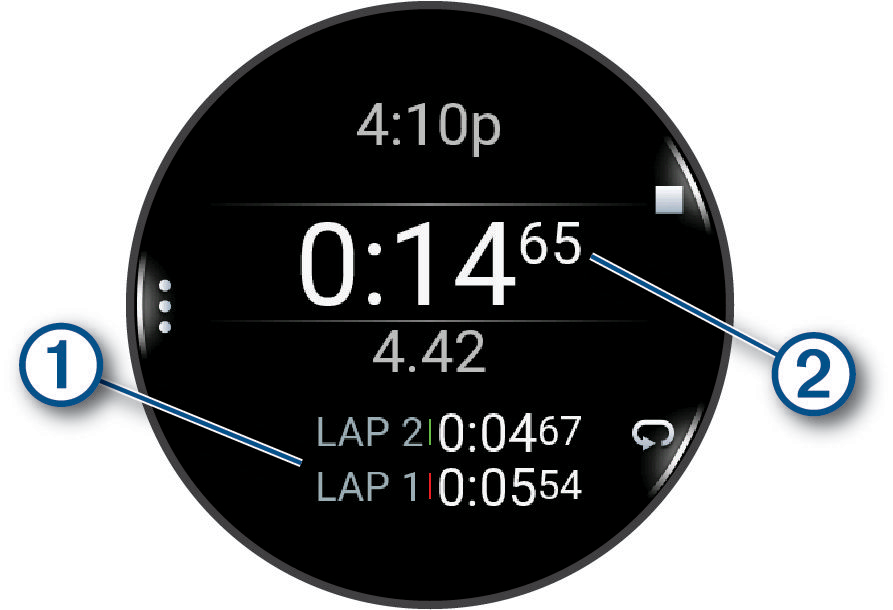
The total stopwatch time  continues running.
- Press STOP to stop both timers.
- Select an option:
- To reset both timers, press DOWN.
- To save the stopwatch time as an activity, press , and select Save Activity.
- To reset the timers and exit the stopwatch, press , and select Done.
- To review the lap timers, press , and select Review.
NOTE: The Review option only appears if there have been multiple laps.
- To return to the watch face without resetting the timers, press , and select Go to Watchface.
- To enable or disable lap recording, press , and select Lap Key.