Starting a PacePro Plan
- From the watch face, select START.
- Select an outdoor running activity.
- Hold
 .
. - Select Training > PacePro Plans.
- Select a plan.
TIP: You can select DOWN > View Splits to preview the splits.
- Select START to start the plan.
- If necessary, select Yes to enable course navigation.
- Select START to start the activity timer.
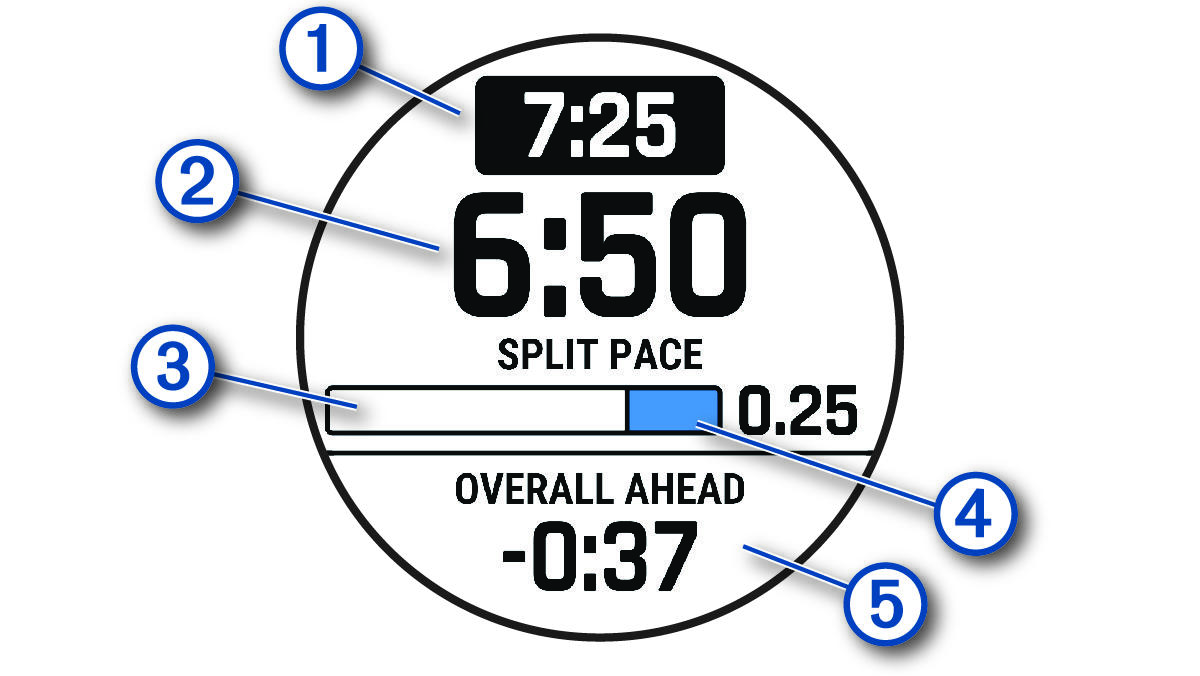
|
|
Target split pace |
|
|
Current split pace |
|
|
Completion progress for the split |
|
|
Distance remaining in the split |
|
|
Overall time ahead of or behind your target time |


