Viewing the Controls Menu
The controls menu contains options, such as turning on do not disturb mode, locking the keys, and turning the device off. You can also open the Garmin Pay wallet.
NOTE: You can add, reorder, and remove the options in the controls menu (Customizing the Controls Menu).
- From any screen, hold LIGHT.
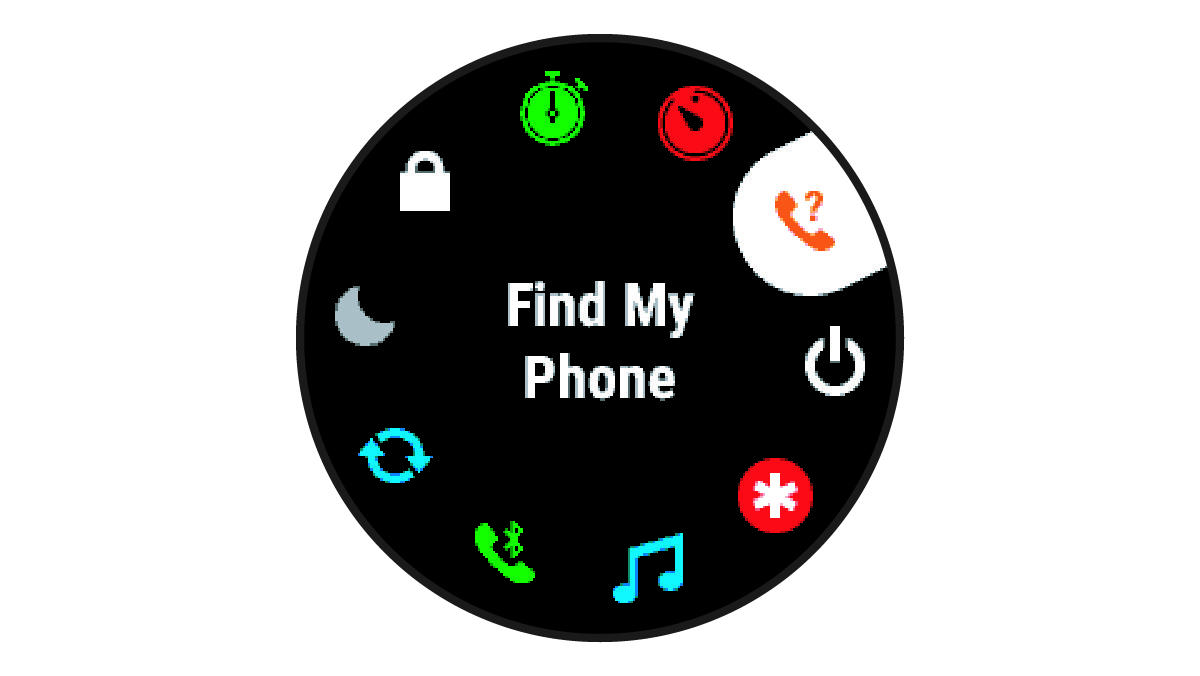
- Press UP or DOWN to scroll through the options.