Charging the Watch
 WARNING
This device contains a lithium-ion battery. See the Important Safety and Product Information guide in the product box for product warnings and other important information.
NOTICE
To prevent corrosion, thoroughly clean and dry the contacts and the surrounding area before charging or connecting to a computer. Refer to the cleaning instructions (Device Care).
Your watch comes with a proprietary charging cable. For optional accessories and replacement parts, go to buy.Garmin.com, or contact your Garmin dealer.
- Plug the cable (
 end) into the charging port on your watch.
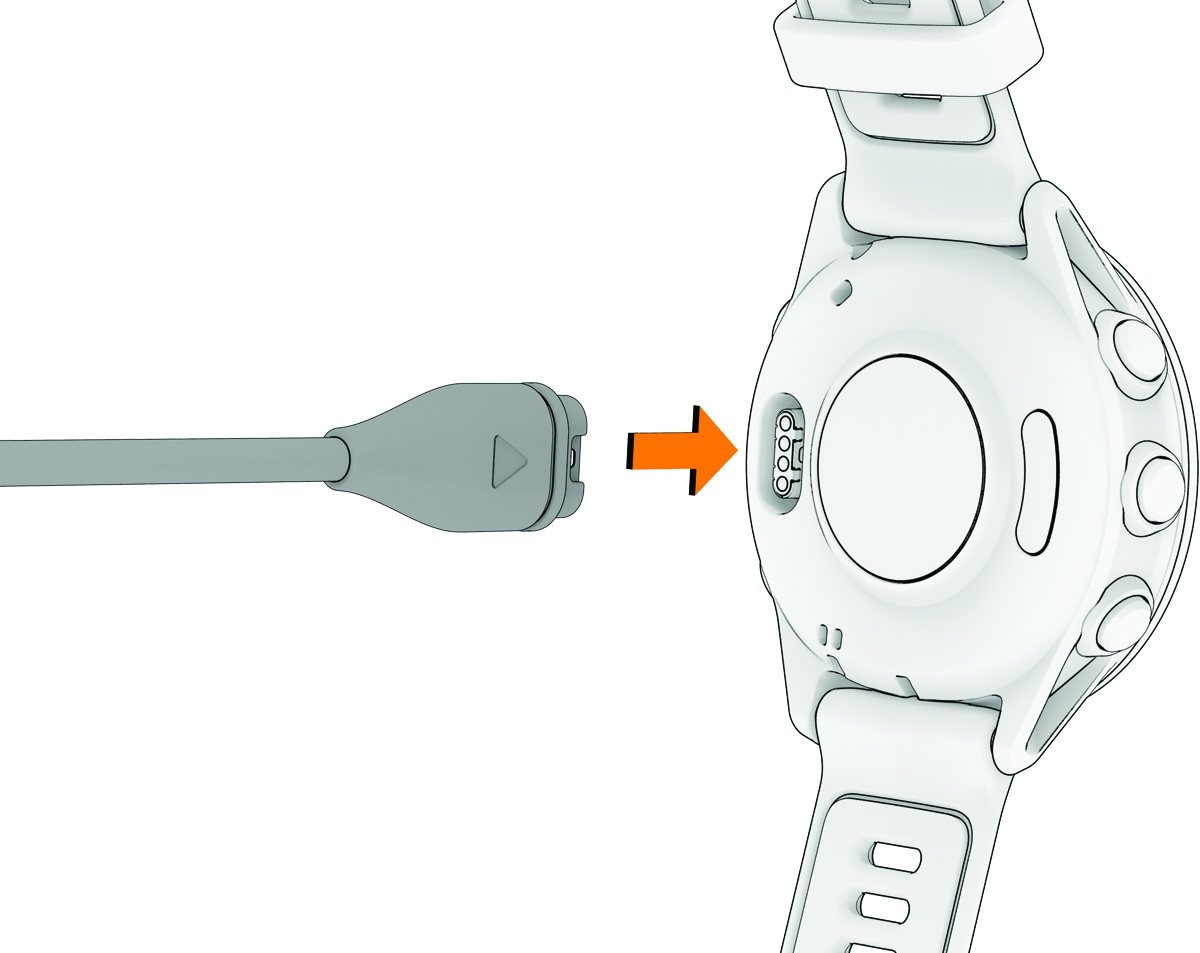
- Plug the other end of the cable into a USB-C® computer port or AC adapter (15 W minimum power rating).
The watch displays the current battery charge level.
- Disconnect the watch after the battery charge level reaches 100%.