Training with Running Dynamics
Before you can view running dynamics, you must put on a running dynamics accessory, such as the HRM-Pro, and pair it with your watch (Pairing Your Wireless Sensors).
- Press START, and select a running activity.
- Press START to start the activity timer.
- Go for a run.
- Scroll to the running dynamics screens to view your metrics.
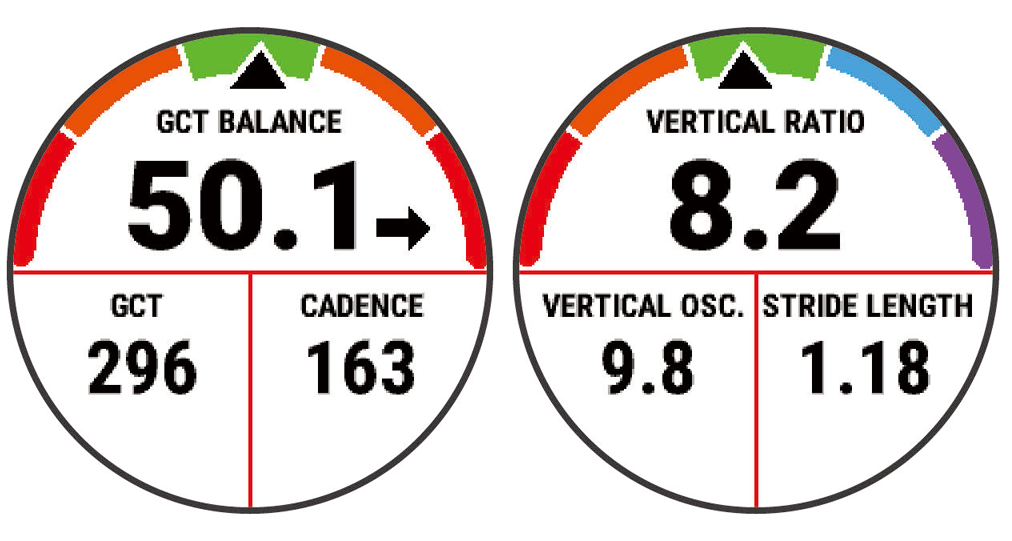
- If necessary, hold UP to edit how the running dynamics data appears.