Viewing the Heart Rate Widget
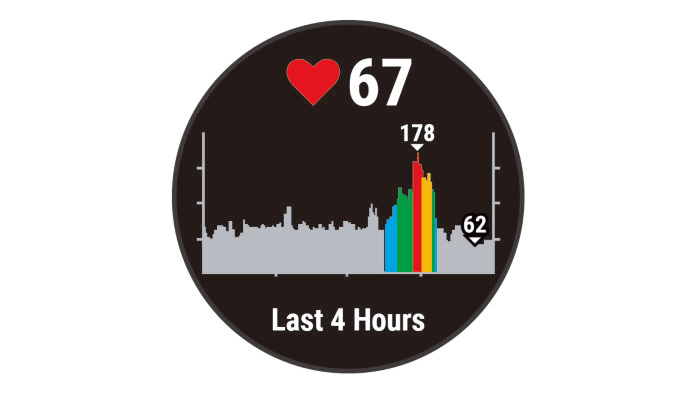
The widget displays your current heart rate in beats per minute (bpm) and a graph of your heart rate for the last 4 hours.
- From the watch face, select UP or DOWN to view the heart rate widget.
NOTE: You may need to add the widget to your widget loop (Customizing the Widget Loop).
- Select START to view your average resting heart rate values for the last 7 days.